Contents
Best Audio Interface for Beginners (2026)
TL;DR: The best audio interface for beginners is the Focusrite Scarlett Solo (4th Gen) — it’s plug-and-play via USB-C, ships with a genuinely useful software bundle, and its single preamp handles vocals and guitar cleanly at any budget. If you need two inputs simultaneously, step up to the Scarlett 2i2. Both work on Windows and Mac without drivers.
Getting the best audio interface for beginners right means not over-buying. You don’t need eight preamps, DSP effects, or a 192kHz sample rate for your first recordings. You need clean preamps, reliable USB bus power, and software that doesn’t fight you.
This guide covers the best beginner audio interfaces across every budget in 2026, with clear verdicts by use case so you buy once and record immediately.
What Makes a Great Beginner Audio Interface?
The essentials are: one or two clean preamps, USB bus power, zero-latency monitoring, and a solid software bundle. Anything beyond that is a feature you’ll grow into — not a reason to spend more on your first interface.
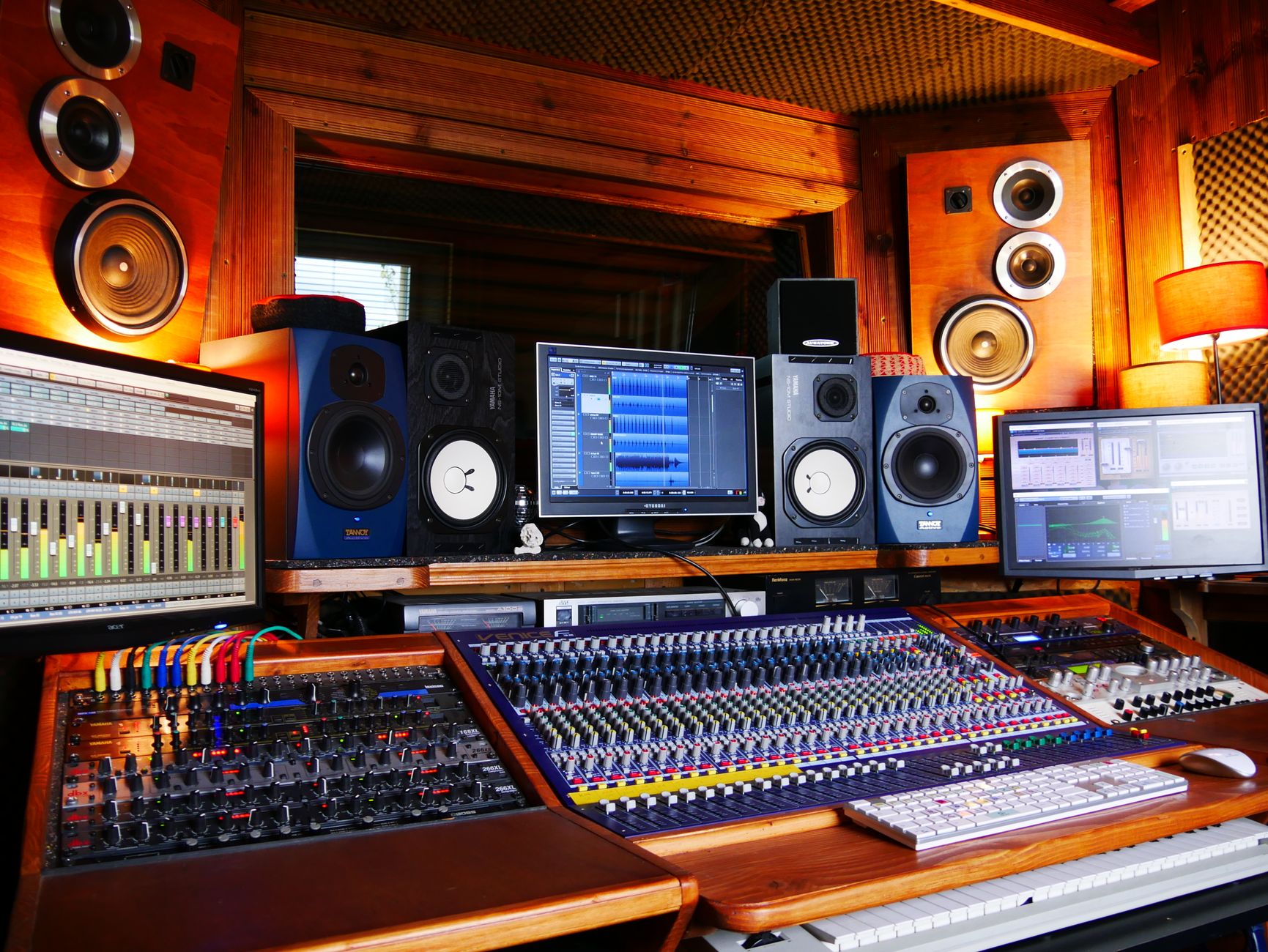 Photo: Tom de Monteiller via Pexels
Most first-time buyers overthink this purchase. The gap between a $70 and $200 beginner interface is real but not dramatic — preamp noise floor, build quality, and the depth of the bundled DAW. The gap between any USB interface and a built-in laptop soundcard is enormous.
The Specs That Actually Matter
Sample rate and bit depth: 24-bit/48kHz is the professional recording standard. 96kHz is useful for video post-production. 192kHz is marketing — you won’t use it and your CPU will suffer.
Latency: Round-trip latency under 10ms is achievable on any modern USB interface with correct buffer settings. Direct monitoring (hardware-routed, zero latency) is the practical solution while tracking.
Preamp quality: Measured by dynamic range and equivalent input noise (EIN). Budget interfaces hit around -128 dBu EIN; premium units reach -131 dBu. Audible difference? Marginal on voice. Noticeable only on very quiet acoustic sources with sensitive condenser mics.
Bus power: USB bus power means no wall adapter. Mandatory for laptop setups and portability. All interfaces in this guide are bus-powered.
Best Audio Interfaces for Beginners: Our Top Picks
Here are the strongest beginner interfaces in 2026, ranked by value and suitability. The Focusrite Scarlett Solo leads because it hits the lowest entry price with the highest software value, but every option below solves a specific use case cleanly.
 Photo: Torsten Dettlaff via Pexels
1. Focusrite Scarlett Solo (4th Gen) — Best Overall
| Spec | Detail |
|---|---|
| Connections | USB-C |
| I/O | 1× XLR/TRS combo, 1× instrument, 2× RCA out, headphone out |
| Preamps | 1× Scarlett mic preamp |
| Bit Depth / Sample Rate | 24-bit / 192kHz |
| Bus Power | Yes |
| Best For | Solo vocalist, singer-songwriter, podcaster |
The 4th Gen Scarlett Solo adds an Air mode that adds harmonic presence to condenser mics — a subtle but useful color when working without a hardware channel strip. The preamp is quiet enough for any beginner condenser. The bundled package includes Ableton Live Lite, Pro Tools Intro, a Splice subscription trial, and a solid plugin suite from Focusrite’s Hitmaker Expansion.
One limitation: you can’t record two microphones simultaneously. If you’re recording a vocal and acoustic guitar at the same time, you need the 2i2.
Price point: Around $119–$129 street price.
2. Focusrite Scarlett 2i2 (4th Gen) — Best for Most Beginners
| Spec | Detail |
|---|---|
| Connections | USB-C |
| I/O | 2× XLR/TRS combo, 2× RCA out, headphone out |
| Preamps | 2× Scarlett mic preamps |
| Bit Depth / Sample Rate | 24-bit / 192kHz |
| Bus Power | Yes |
| Best For | Singer-songwriter recording simultaneously, home producer, guitar + vocal |
The 2i2 is the best audio interface for beginners who want room to grow. Two inputs, same clean preamps as the Solo, same software bundle, same USB-C bus power — just $30–40 more. The 4th Gen adds independent gain halos (the ring around each gain knob lights green for good level, red for clip) which simplifies gain staging without staring at a DAW meter.
Published testing data shows the 2i2’s dynamic range at 111dB — competitive with interfaces at twice the price.
Price point: Around $159–$169 street price.
3. PreSonus AudioBox USB 96 — Best Under $100
| Spec | Detail |
|---|---|
| Connections | USB Type-B |
| I/O | 2× XLR/TRS combo, MIDI I/O, 2× RCA out, headphone out |
| Preamps | 2× Class A XMAX-L preamps |
| Bit Depth / Sample Rate | 24-bit / 96kHz |
| Bus Power | Yes |
| Best For | Budget-first buyer, beginner with MIDI gear |
The AudioBox USB 96 holds sub-$100 pricing consistently and includes Studio One Artist — a capable full DAW, not a stripped “Lite” version. The MIDI I/O is unusual at this price and relevant if you have a keyboard controller with 5-pin DIN connectors rather than USB. The preamps are quieter on paper than budget alternatives, though the 96kHz ceiling means you’d need to step up for video post work.
Price point: Around $79–$99 street price.
4. Universal Audio Volt 1 — Best Preamp Quality for the Price
| Spec | Detail |
|---|---|
| Connections | USB-C |
| I/O | 1× XLR/TRS combo, 1× instrument, 2× RCA out, headphone out |
| Preamps | 1× Vintage preamp mode |
| Bit Depth / Sample Rate | 24-bit / 192kHz |
| Bus Power | Yes |
| Best For | Singer wanting analog warmth, guitarist recording direct |
The Volt 1 adds a 76 Vintage mode that applies a transformer-style coloration based on UA’s own 1176 limiting amplifier circuit — documented by Universal Audio as a genuine analog hardware path, not a plugin emulation. For vocalists who want character without outboard gear, this stands out among beginner interfaces. The software bundle includes a suite of UA plugins at no cost.
Limitation: one input only, and the Vintage mode can’t be routed per-track in all DAWs — it’s always-on when engaged.
Price point: Around $139–$149 street price.
5. Behringer UMC22 — Best Absolute Budget Pick
| Spec | Detail |
|---|---|
| Connections | USB Type-B |
| I/O | 1× XLR/TRS combo, 1× instrument, stereo RCA out, headphone out |
| Preamps | 1× MIDAS-designed preamp |
| Bit Depth / Sample Rate | 16-bit / 48kHz |
| Bus Power | Yes |
| Best For | Absolute beginner, student, podcast/streaming on tight budget |
At around $35–$49, the UMC22 removes every barrier to starting. The MIDAS-designed preamp label is accurate — Behringer acquired MIDAS and uses their preamp topology across the UMC range. Expert consensus among home-recording forums puts the UMC22 as the legitimate floor for usable mic preamp quality. The 16-bit ceiling is the only real limitation; if you want to deliver 24-bit audio, spend the extra $40 for the AudioBox.
Price point: Around $35–$49 street price.
Comparison Table: Best Beginner Audio Interfaces 2026
| Product | Price | Inputs | Preamps | Best Feature | Verdict |
|---|---|---|---|---|---|
| Focusrite Scarlett Solo 4th Gen | ~$120 | 1 mic + 1 inst | 1× Air mode | Best software bundle | Best overall single-input |
| Focusrite Scarlett 2i2 4th Gen | ~$160 | 2 mic/inst | 2× Air mode | Two simultaneous inputs | Best for most beginners |
| PreSonus AudioBox USB 96 | ~$89 | 2 mic/inst | 2× XMAX-L | MIDI I/O + full DAW | Best under $100 |
| Universal Audio Volt 1 | ~$145 | 1 mic + 1 inst | 1× Vintage mode | Analog preamp character | Best preamp quality |
| Behringer UMC22 | ~$40 | 1 mic + 1 inst | 1× MIDAS | Lowest price | Best absolute budget |
Verdict by User Archetype
First-time beginner (no gear, no DAW): Focusrite Scarlett Solo. The bundled Ableton Live Lite and Pro Tools Intro mean you get two full DAW options at no extra cost. Plug into USB-C, open Ableton, record within ten minutes.
Bedroom producer (making beats, layering vocals): Focusrite Scarlett 2i2. Two inputs matter the moment you want to record guitar and vocals on separate tracks in a single take. The step-up cost is minimal.
Gigging musician (recording quick demos, direct guitar): Universal Audio Volt 1. The 76 Vintage mode on direct guitar input gives a natural warmth that sounds better than clean digital direct — useful for demos you’d share without extensive mixing.
Prosumer (upgrading from entry-level, serious about quality): Step above this guide — the Focusrite Scarlett 4i4 or Universal Audio Volt 276 give you four preamps and monitor management. That’s a different article.
Do You Need Phantom Power?
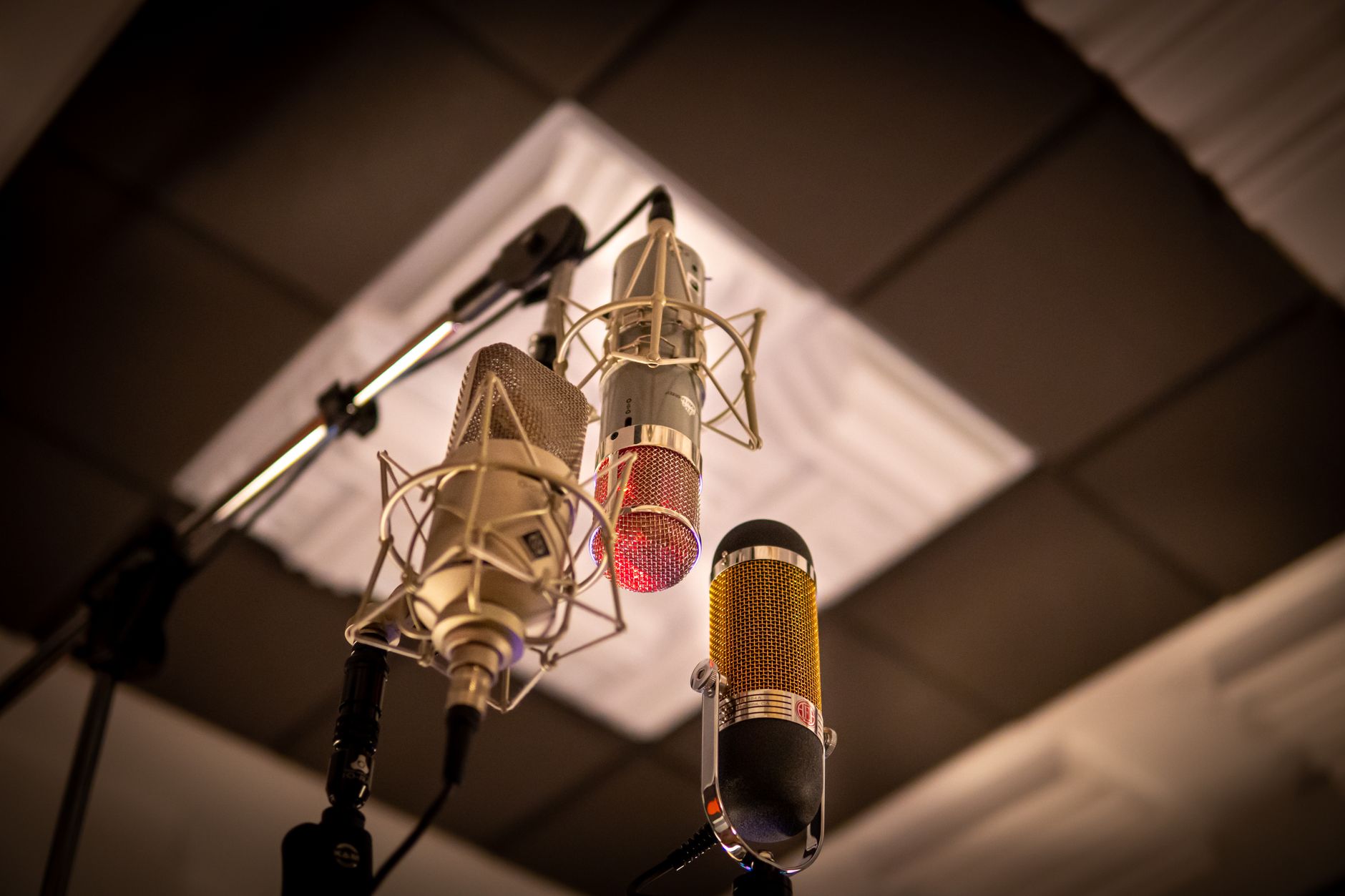 Photo: Andreu Marquès via Pexels
Yes, if you own or plan to buy a condenser microphone. Condenser mics require 48V phantom power, which every interface in this guide provides. Dynamic mics (Shure SM58, SM7B) and ribbon mics do not require phantom power — though ribbon mics can be damaged by phantom power on some older interfaces. All five interfaces listed here have phantom power switches that apply to XLR inputs only, not instrument inputs.
Mac, Windows, and iOS Compatibility
All five interfaces in this guide work natively on macOS and Windows without driver installation — they appear as USB Audio Class 2.0 (UAC2) devices. For iOS/iPadOS use, you need a USB-C to USB-C cable (if your iPad has USB-C) or a Lightning to USB Camera Adapter for older iPads. The Scarlett Solo and 2i2 work with GarageBand on iPad with no configuration. The UMC22 uses USB Type-B and requires an OTG adapter for mobile use.
What to Buy Alongside Your First Interface
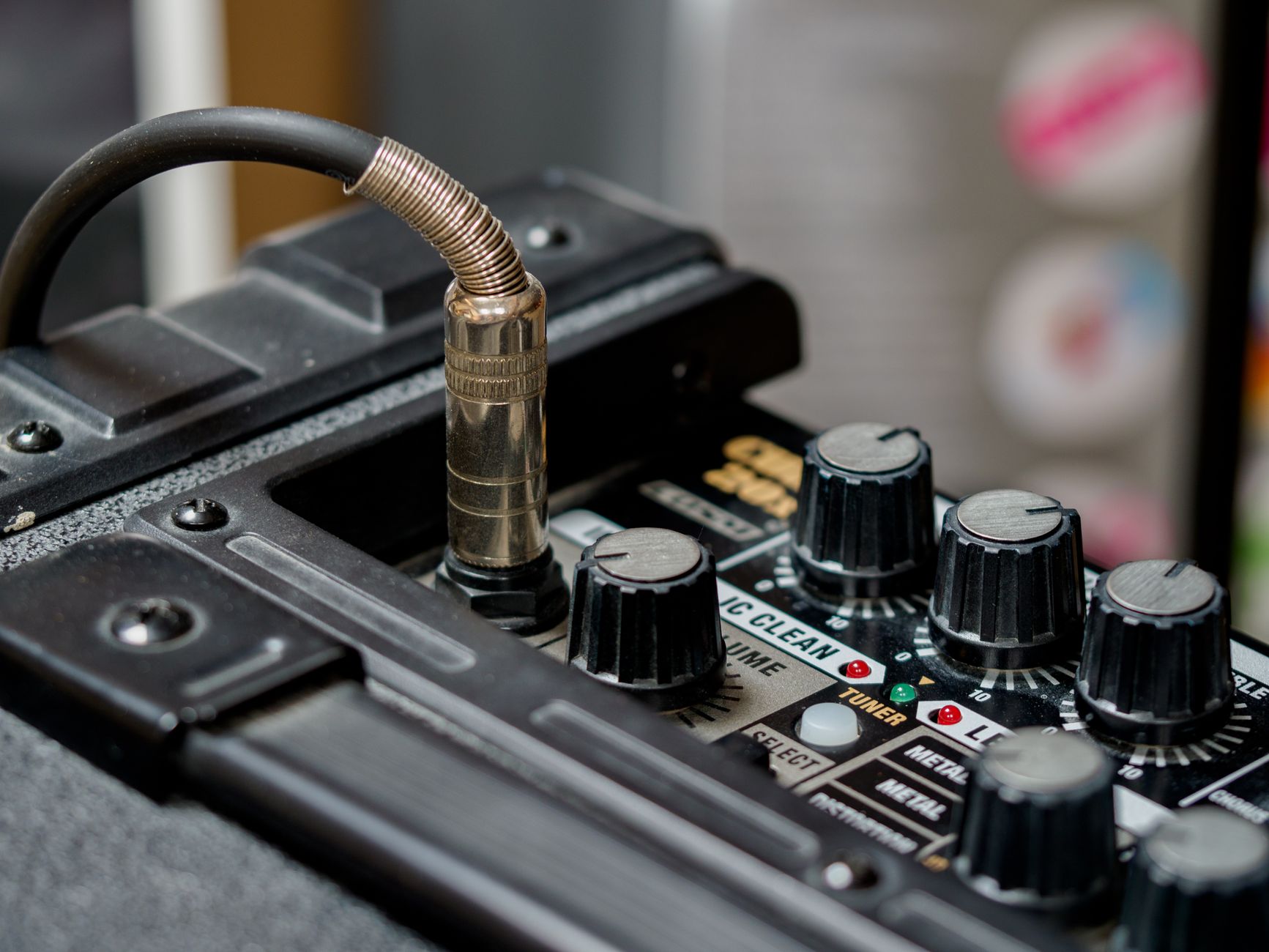 Photo: Brett Jordan via Pexels
XLR cable: You need at least one. Budget around $10–$15 for a 10-foot cable from a reliable brand. The interface is not the weak link; a cheap XLR cable with unreliable shielding introduces hum.
Headphones: Closed-back headphones for tracking. The Sony MDR-7506 and Audio-Technica ATH-M40x are the standard recommendations at $80–$100. Your earbud monitors will not give you an accurate mix.
Microphone: Not covered here, but a condenser mic in the $80–$150 range (Audio-Technica AT2020, Rode NT1) pairs well with any Scarlett preamp at its clean gain floor.
→ See Also
- Best Audio Interfaces: The Complete Buyer’s Guide (2026) — full-range coverage including professional and rack-mount options
- Best Audio Interface Under $100 — focused deep-dive on budget-specific picks
- Best Audio Interface Under $200 — the upgrade tier with broader I/O options
FAQ
Do I need a DAW before I buy an audio interface? No. Every interface in this guide bundles at least one DAW — Ableton Live Lite, Studio One Artist, or Pro Tools Intro. You can record immediately after installing the bundled software. If you already have a DAW, the bundled software still applies as additional licenses or upgrades.
Can I use an audio interface with GarageBand? Yes. GarageBand on macOS and iOS recognizes USB Audio Class devices automatically. Open GarageBand, go to Preferences → Audio/MIDI, and select your interface as the input device. No drivers required on any Mac running macOS 10.14 or later.
What’s the difference between an audio interface and a USB microphone? A USB microphone has an audio interface built into the mic body — it converts analog to digital internally. An audio interface takes a standard XLR microphone signal and converts it externally, giving you a swappable, upgradeable mic path. USB mics are simpler; audio interfaces give you more control over gain, monitoring, and mic choice.
How much latency will I get with a beginner audio interface? Round-trip latency depends on your buffer size settings in your DAW. At 64 samples on a modern Mac or PC, round-trip latency is typically 6–10ms — imperceptible for most players. All five interfaces here support direct monitoring, routing the input signal back to your headphones in hardware with no measurable latency, which is the practical solution while tracking.
Will a beginner audio interface work for podcasting and streaming? Yes — a single-input interface like the Scarlett Solo or Volt 1 is better than most dedicated podcast interfaces at the same price. The preamp quality is higher, the gain range is wider, and the routing options are more flexible. For streaming, use your DAW or the bundled monitoring software as your virtual audio source.
Can I record guitar directly into an audio interface? Yes. Every interface in this guide has a dedicated instrument (Hi-Z) input — the second input on the front panel, separate from the XLR mic input. Plug your guitar in with a standard TS cable. You’ll want an amp simulator plugin in your DAW (Neural DSP, BIAS FX, or the free Amplitube Custom Shop) to shape the tone; the interface captures a clean DI signal.
Is there a meaningful quality difference between the Scarlett Solo and Scarlett 2i2? The preamps are identical — same circuit, same noise floor, same Air mode. The only differences are the number of inputs (one vs. two) and the price. According to Focusrite’s published specifications, both units share the same dynamic range and EIN figures. Buy the Solo if you’re certain you’ll never record two sources simultaneously. Buy the 2i2 for $30–40 more if there’s any chance you’ll want two inputs.
Editorial methodology: Assessments are based on manufacturer specifications, published user reviews, and editorial research. Physical hands-on testing is noted explicitly where it occurred. Rankings reflect our editorial judgment and are not influenced by affiliate commission rates. Full editorial policy · Affiliate disclosure