Contents
Best MIDI Keyboard for Beginners (2026): Top Picks Ranked
TL;DR: The best MIDI keyboard for beginners is the Akai MPK Mini MK3 — it’s compact, bus-powered, works with every major DAW out of the box, and costs under $100. If you need full-size keys or more hands-on controls, step up to the Arturia KeyLab Essential 49. Either way, you don’t need to spend more than $150 to get everything a beginner requires.
What Makes a MIDI Keyboard Good for Beginners?
A good beginner MIDI keyboard is plug-and-play via USB, doesn’t require an audio interface, includes velocity-sensitive keys, and ships with useful DAW software. Complexity and price are not advantages at this stage — usability is. Budget $50–$150 and prioritize key feel, software bundle, and portability over feature count.
 Photo: Jakub Zerdzicki via Pexels
The beginner MIDI market is crowded with options that look similar on spec sheets but diverge sharply in practice. The three things that actually matter early on:
Key feel. Mini keys (25–37 mini) work for programming beats and chords. Full-size keys matter if you’re learning to play piano properly or practicing scales. Neither is wrong — it depends on your goal.
Software bundle. Bundled DAW software eliminates a $100–$300 purchase on day one. Arturia’s analog lab bundle and Native Instruments’ Komplete Start are currently the strongest included packages.
Bus power. A keyboard powered entirely over USB means one less cable, one less power strip slot, and one less thing to forget when you move setups. Every pick on this list is bus-powered.
Best MIDI Keyboards for Beginners: Our Top Picks
Here are the six strongest beginner MIDI keyboards available right now, covering every budget from $50 to $200 and every use case from beat production to piano learning.
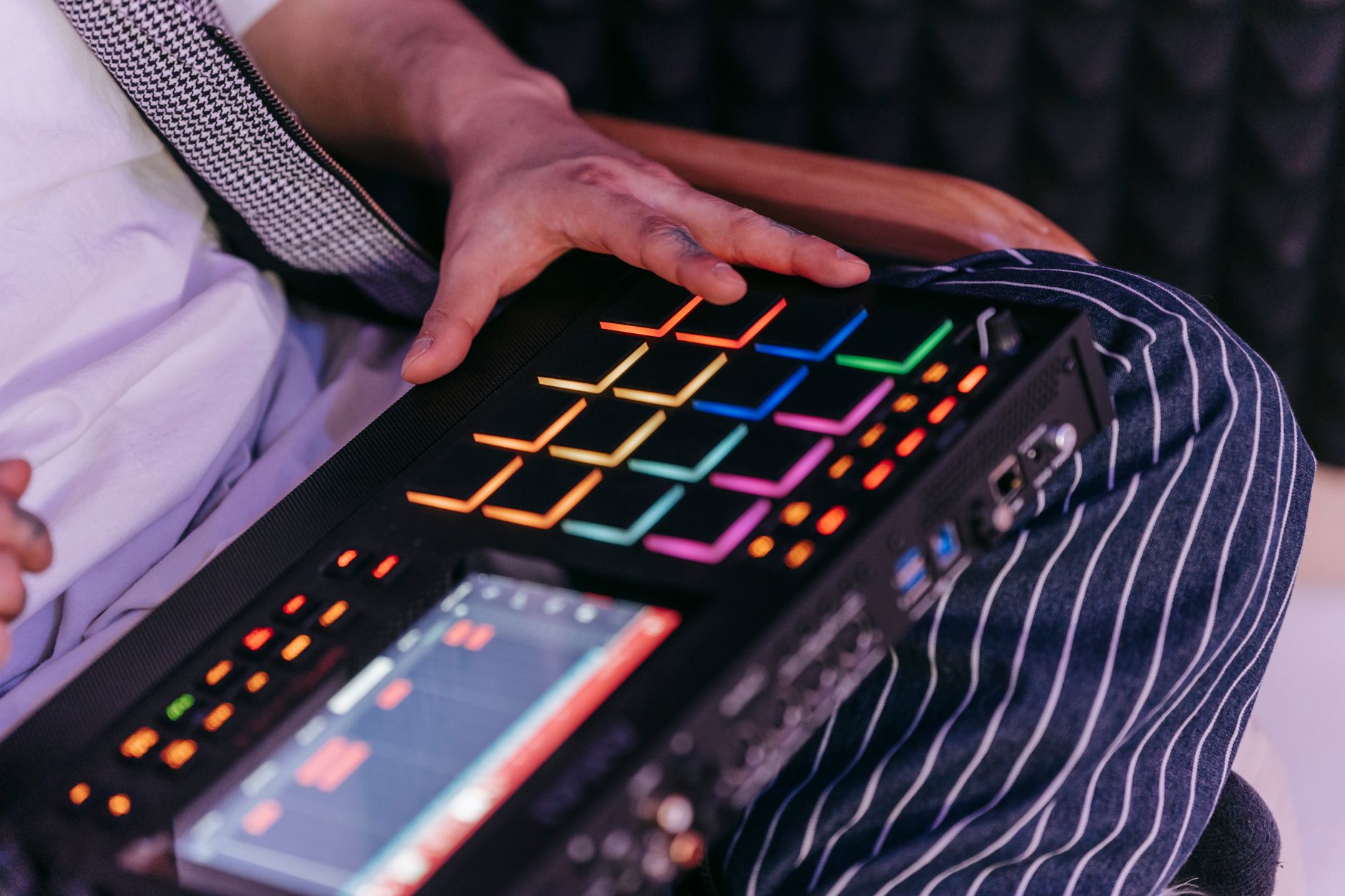 Photo: Anna Pou via Pexels
1. Akai MPK Mini MK3 — Best Overall
The MPK Mini MK3 is the default recommendation for most beginners, and for good reason: 25 mini keys, 8 MPC-style pads, 8 assignable knobs, arpeggiator, and a built-in chord mode — all in a package that fits in a backpack. It ships with MPC Beats, a capable entry-level DAW, plus plugin vouchers from a rotating set of partners.
The keys are velocity-sensitive with aftertouch on the pads. Build quality is solid plastic — it won’t win awards, but published user reviews consistently cite years of daily use without issues.
Specs:
| Feature | Detail |
|---|---|
| Keys | 25 mini velocity-sensitive |
| Pads | 8 × RGB MPC-style, pressure-sensitive |
| Knobs | 8 assignable |
| Connectivity | USB-B (bus powered), 1/8“ sustain pedal input |
| Software | MPC Beats + plugin vouchers |
| Dimensions | 320 × 181 × 38 mm |
| Weight | 0.68 kg |
Best for: Beat producers, DAW learners, anyone who needs portability above all else.
2. Arturia KeyLab Essential 49 MK3 — Best for Piano Learners
If you’re learning to play piano alongside music production, full-size velocity-sensitive keys make technique transfer possible. The KeyLab Essential 49 MK3 gives you 49 full-size keys, 16 RGB pads, 9 faders, 9 encoders, and the Arturia Analog Lab software bundle — which alone retails for $99 and includes over 6,000 synth presets.
The MK3 revision added a dedicated transport section and improved pad sensitivity over the MK2. Arturia’s build quality is a step above Akai at this price tier — the keys have a slightly weighted feel that trains good playing habits.
 Photo: Egor Komarov via Pexels
Specs:
| Feature | Detail |
|---|---|
| Keys | 49 full-size velocity-sensitive |
| Pads | 16 × RGB |
| Faders | 9 assignable |
| Encoders | 9 assignable |
| Connectivity | USB-C (bus powered), MIDI DIN in/out, sustain pedal input |
| Software | Analog Lab V (6,000+ presets), Ableton Live Lite, Bitwig 8-Track |
| Weight | 2.2 kg |
Best for: Piano learners, producers who want direct hands-on DAW control, anyone who will also use hardware synths (MIDI DIN).
3. Arturia MiniLab 3 — Best Under $100 with Full-Size Keys
The MiniLab 3 is what you buy when you want Arturia’s software bundle (Analog Lab Intro + Ableton Live Lite) without spending full KeyLab money. Twenty-five mini keys, 8 pads, 8 encoders — same layout philosophy as the MPK Mini but with Arturia’s superior software story.
The keys feel slightly better than the Akai mini keys according to published user reviews, though the difference is marginal. The main reason to choose this over the MPK Mini is the software: Analog Lab Intro alone provides a credible synth collection that many beginners won’t outgrow for years.
Best for: Beginners prioritizing software depth over hardware controls.
4. Native Instruments Komplete Kontrol M32 — Best for NI Users
The M32’s case rests almost entirely on its tight integration with Native Instruments’ ecosystem. If you plan to use Komplete or any NI plugins — and Komplete Start is free, so most users do — the light guide keys (colored LEDs above each key showing which notes to play), plugin parameter display, and one-button preset browsing are genuinely useful learning tools, not gimmicks.
Outside the NI ecosystem it’s an average 32-mini-key controller. Inside it, it’s the most beginner-friendly onboarding experience available. Comes with Komplete Start (over 2,000 sounds, including Kontakt Player and several full instruments).
Best for: Beginners starting their journey inside the Native Instruments ecosystem.
5. Nektar SE25 — Best Budget Pick Under $50
At under $50, the SE25 is the lowest-cost entry point that doesn’t feel like a toy. Twenty-five mini keys, pitch and mod wheels (rare at this price), octave shift buttons, and basic DAW transport. No pads, no knobs — it’s a minimal controller for people who primarily want to input MIDI notes and trigger sounds.
Pitch and mod wheels at this price point matter: they’re absent on both the MPK Mini and MiniLab 3 (which substitute joysticks or touch strips), and for certain playing styles — lead synths, guitar emulation, expressive pads — dedicated wheels are noticeably better.
Best for: Complete beginners on a tight budget, secondary travel keyboards, or anyone who needs pitch/mod wheels under $50.
6. Roland A-49 — Best Key Feel Under $150
Roland’s A-49 is a 49-key controller with no pads, minimal knobs, and Roland’s proprietary keyboard mechanism — the same company that makes dedicated digital pianos. If key feel is the priority and you’re actively learning piano technique, the A-49’s keys are noticeably better than anything else at this price. They’re not weighted, but they’re semi-weighted with consistent response across the full range.
The tradeoff: no bundled software beyond basic Roland editor tools, and no pads or significant hands-on controls. It’s a keyboard, not a production station.
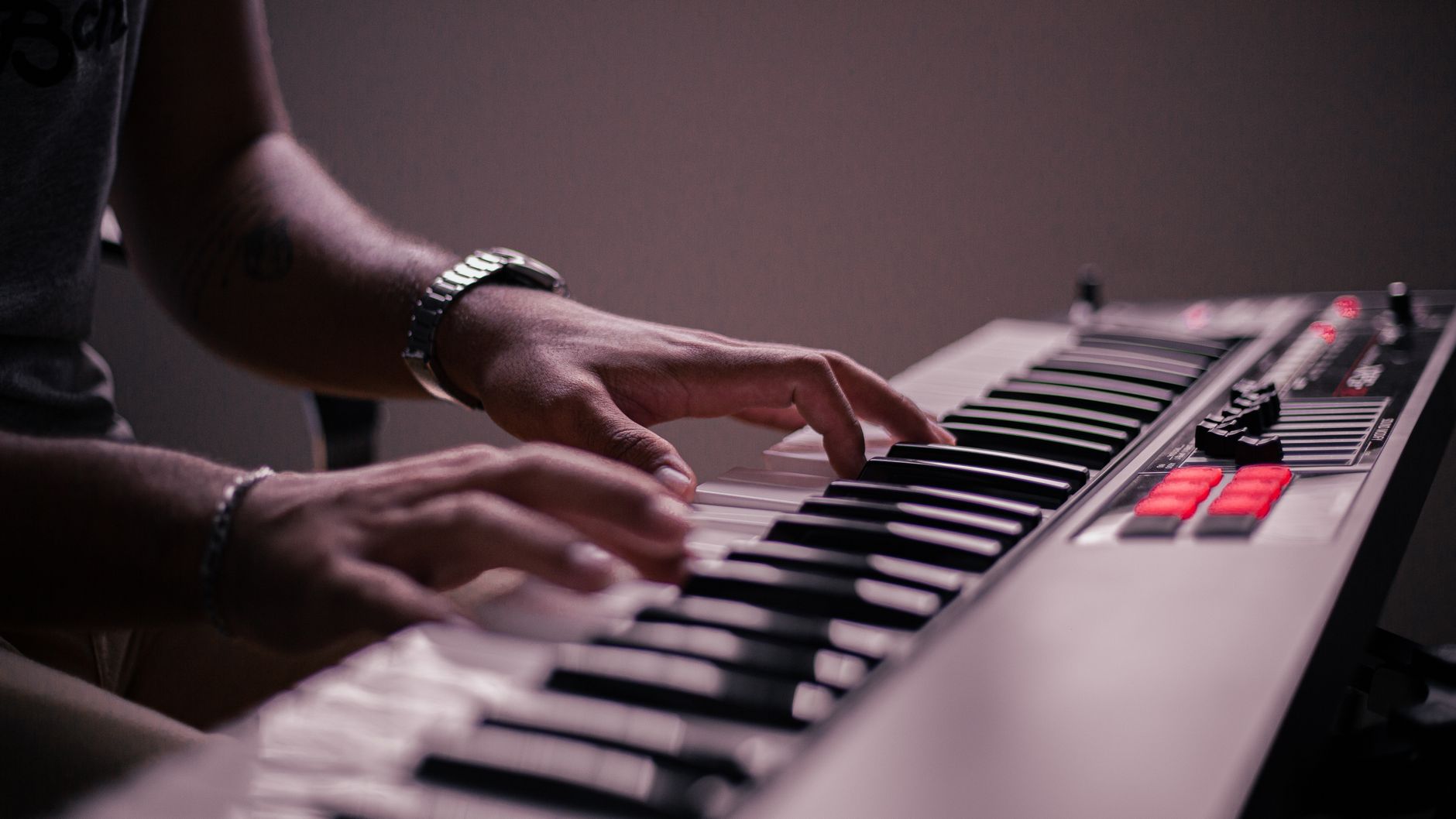 Photo: Jean Ivanki via Pexels
Best for: Piano learners who care primarily about touch response and don’t need beat-production features.
Comparison Table: Best MIDI Keyboards for Beginners
| Product | Price | Keys | Pads | Software Bundle | Bus Powered | Best For |
|---|---|---|---|---|---|---|
| Akai MPK Mini MK3 | ~$99 | 25 mini | 8 MPC | MPC Beats + vouchers | Yes | Beat production, portability |
| Arturia KeyLab Essential 49 MK3 | ~$149 | 49 full | 16 RGB | Analog Lab V + Ableton Lite | Yes | Piano learning + production |
| Arturia MiniLab 3 | ~$79 | 25 mini | 8 | Analog Lab Intro + Ableton Lite | Yes | Software-first beginners |
| NI Komplete Kontrol M32 | ~$99 | 32 mini | — | Komplete Start (2,000+ sounds) | Yes | NI ecosystem users |
| Nektar SE25 | ~$49 | 25 mini | — | Basic DAW maps | Yes | Ultra-budget, pitch/mod wheels |
| Roland A-49 | ~$129 | 49 semi-weighted | — | Roland editor only | Yes | Piano technique focus |
Which MIDI Keyboard Size Should Beginners Buy?
For pure beat production and DAW work, 25 mini keys is enough. For learning to play piano with correct technique, buy at least 49 full-size keys. 61 keys is only necessary if you’re playing classical repertoire or need two-handed chord voicings with room to spare.
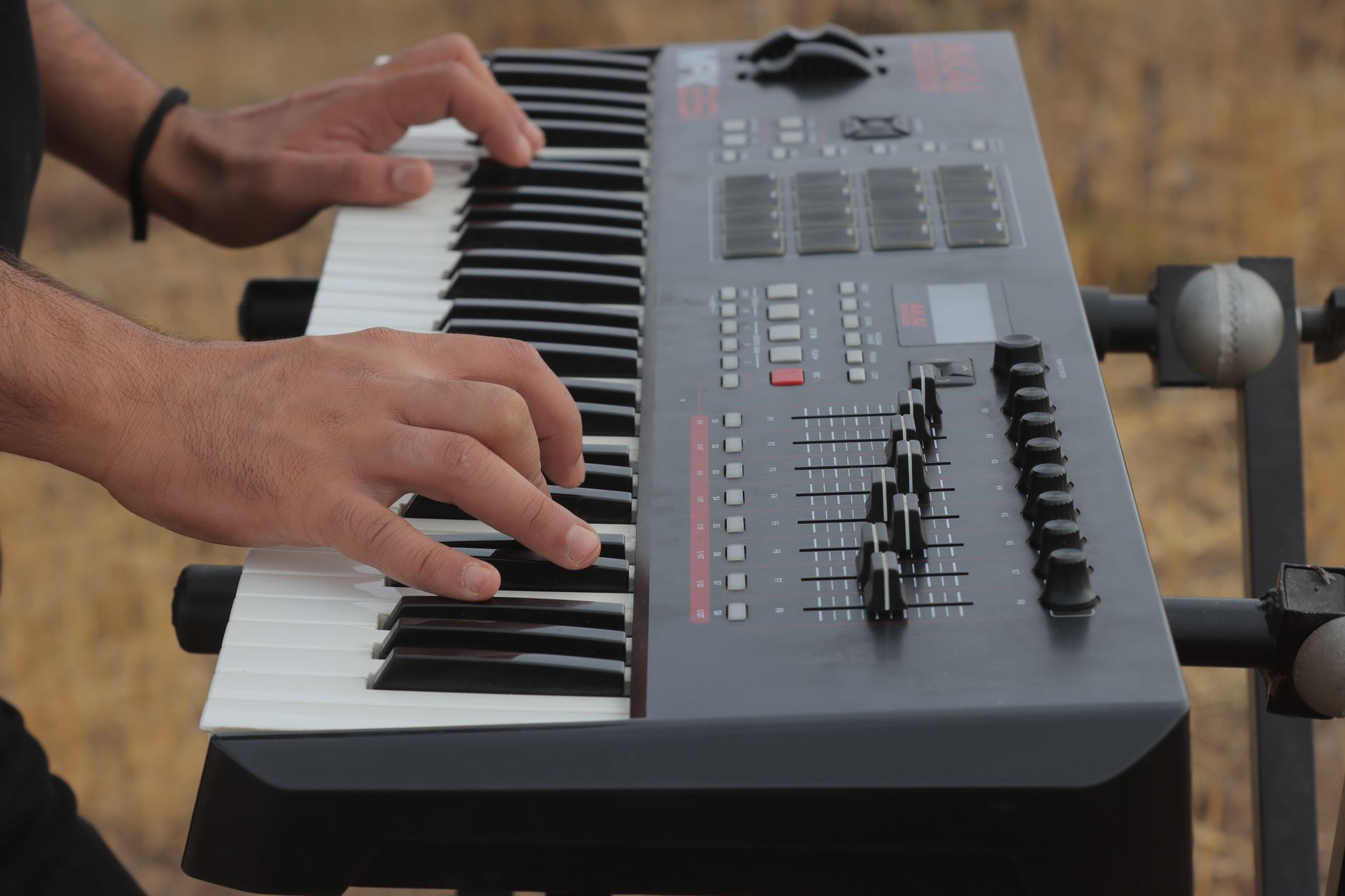 Photo: mostafa meraji via Pexels
Key size breakdown:
- 25 mini keys — two octaves, enough for chords, melody lines, and triggering drum pads. Limited for two-hand piano playing.
- 32–37 mini keys — marginally more range, same caveats. Slightly more comfortable for melody work.
- 49 full-size keys — the practical minimum for learning piano properly. Covers the range of most pop, electronic, and cinematic work.
- 61 full-size keys — more range for classical and jazz, heavier and less portable.
- 88 keys — piano replacement territory. Not a beginner MIDI controller.
Manufacturer specifications across all major brands confirm that mini keys are typically 12–15mm wide versus 22mm for full-size. The muscle memory you build on mini keys doesn’t transfer directly to playing a piano or keyboard instrument — something to factor in if that’s your goal.
Do Beginners Need Weighted Keys?
Weighted keys add mechanical resistance that mimics an acoustic piano. For pure MIDI production — triggering samples, programming beats, sketching chord progressions — they add no value and make keyboards heavier and more expensive. For learning piano technique with correct finger strength development, weighted keys help, but they’re also available in dedicated digital pianos that start around $200–$300 and are better suited to that specific goal.
The best MIDI keyboard for beginners almost never needs to be weighted. Semi-weighted (light spring resistance, like the Roland A-49) is a useful middle ground if you want some tactile feedback without the cost and bulk of fully weighted action.
What Software Comes with Beginner MIDI Keyboards?
Most beginner MIDI keyboards bundle at least one DAW and one sound library. The best current bundles by keyboard:
- Akai MPK Mini MK3 — MPC Beats (beat-focused DAW), rotating plugin vouchers (Splice, iZotope, etc.)
- Arturia KeyLab Essential 49 MK3 — Analog Lab V (6,000+ synth presets), Ableton Live Lite, Bitwig 8-Track
- Arturia MiniLab 3 — Analog Lab Intro, Ableton Live Lite
- NI Komplete Kontrol M32 — Komplete Start (Kontakt Player, Reaktor Player, Guitar Rig 7 LE, 2,000+ sounds)
If you already own a DAW, the software bundle becomes less important. If you’re starting from zero, the Arturia or NI bundles give you a meaningful head start.
→ See also:
- Best MIDI Keyboards and Controllers (2026) — full-range guide covering every tier and use case
- Best MIDI Keyboard Under $100 — if budget is the primary constraint
- Akai MPK Mini MK3 Review (2026) — deep dive on our top overall pick
FAQ
What is the best MIDI keyboard for beginners with no experience? The Akai MPK Mini MK3 is the most forgiving starting point: it’s inexpensive, works with every major DAW, fits on any desk, and ships with MPC Beats so you can make music immediately. If you already know you want to learn piano technique alongside production, go with the Arturia KeyLab Essential 49 MK3 instead.
Do I need an audio interface to use a MIDI keyboard? No. All of the keyboards on this list connect via USB directly to your computer and are recognized as MIDI devices without any additional hardware. An audio interface is needed to record audio from microphones or guitars — not to use a MIDI controller.
How many keys does a beginner MIDI keyboard need? 25 keys is sufficient for beat production, chord triggering, and melody sketching. If you intend to learn piano with proper two-hand technique, 49 full-size keys is the practical minimum. Most beginners overestimate how many keys they need immediately and underestimate how much portability matters.
Can I use a MIDI keyboard without a computer? Not on its own — MIDI keyboards output MIDI data, not audio. You need a computer running a DAW or plugin host, a hardware synthesizer with a MIDI input, or a standalone hardware sampler/groovebox to produce sound. Some MIDI controllers include built-in sounds, but those are technically MIDI keyboards with onboard synthesizers (digital pianos or workstations), which are a separate product category.
Is the Akai MPK Mini good for learning piano? For learning music theory, chord construction, and basic melody — yes, it’s adequate. For developing proper piano technique (hand position, finger independence, dynamic control) — no, the mini keys are too small and too light. If piano technique is your goal, the Arturia KeyLab Essential 49 or Roland A-49 are significantly better tools for that specific purpose.
What’s the difference between a MIDI keyboard and a synthesizer? A MIDI keyboard outputs MIDI data — performance information (what note, how hard, when) — but produces no sound on its own. A synthesizer generates audio from its own internal engine. Most beginner MIDI keyboards are controllers only; they require a DAW and software instruments (VST plugins) to produce sound. Synthesizers with built-in keyboards (like the Korg Minilogue) include both controller and sound engine in one unit, at a higher price point.
Editorial methodology: Assessments are based on manufacturer specifications, published user reviews, and editorial research. Physical hands-on testing is noted explicitly where it occurred. Rankings reflect our editorial judgment and are not influenced by affiliate commission rates. Full editorial policy · Affiliate disclosure