Contents
Home Studio Setup for Producing Beats (2026 Guide)
TL;DR: A solid home studio setup for making beats needs four things: a computer with enough RAM, a DAW, an audio interface, and studio monitors or headphones. You can start producing professionally for under $500 — this guide walks through every component, how to connect it, and how to get your first beat out of a session.
What You Actually Need to Start Making Beats
A home studio setup for making beats doesn’t require a dedicated room or $5,000 of gear. The minimum viable rig is a laptop, a DAW license, and a pair of closed-back headphones. Everything else is an upgrade, not a prerequisite. Add an audio interface when you’re recording live instruments or vocals — until then, your computer’s audio engine is fine for in-the-box production.
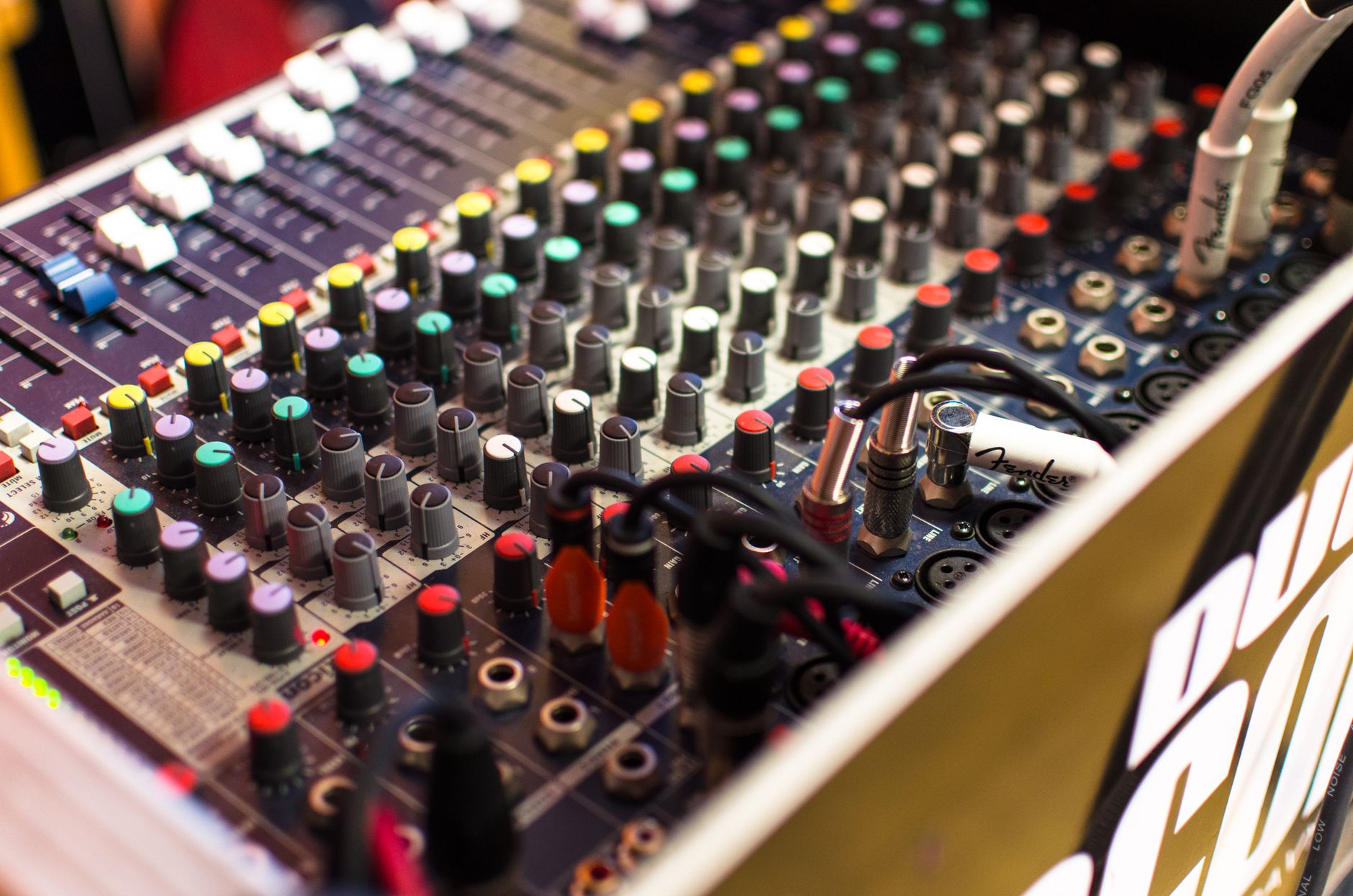
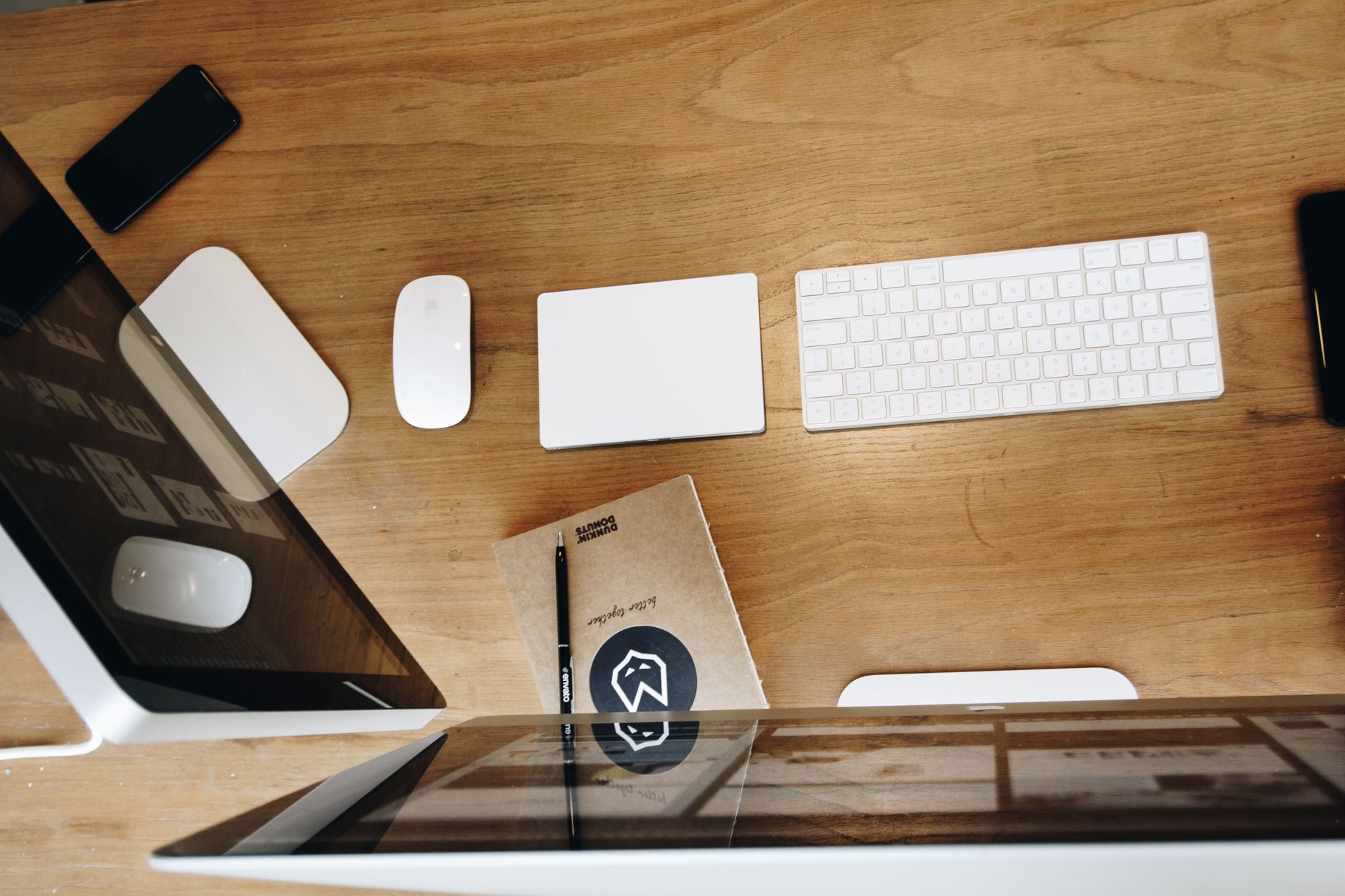 Photo: Tranmautritam via Pexels
The beat-making workflow is almost entirely software. Unlike recording a band, you’re routing MIDI, triggering samples, and layering synthesized sounds — not capturing a room. That shifts the gear priority: your DAW and its plugins matter more than your room treatment, at least until you’re mixing for release.
The Non-Negotiables
| Component | Minimum Spec | Why It Matters |
|---|---|---|
| Computer | 16 GB RAM, modern quad-core | Sample libraries and plugins eat memory |
| DAW | FL Studio, Ableton, Logic (Mac) | Your main instrument |
| Audio Interface | Any 2-in/2-out USB unit | Clean D/A conversion for monitors |
| Monitoring | Closed-back headphones OR near-fields | Accuracy, not volume |
| MIDI Controller | 25-key mini keyboard | Faster than mouse-clicking notes |
Choosing the Right DAW for Beat Production
FL Studio and Ableton Live dominate beat production because they were designed around it. FL Studio’s pattern-based workflow maps directly to how producers think in loops and stems. Ableton’s Session View is better for live performance and clip-launching. Logic Pro is Mac-only but ships with enough stock plugins to skip third-party purchases for years.
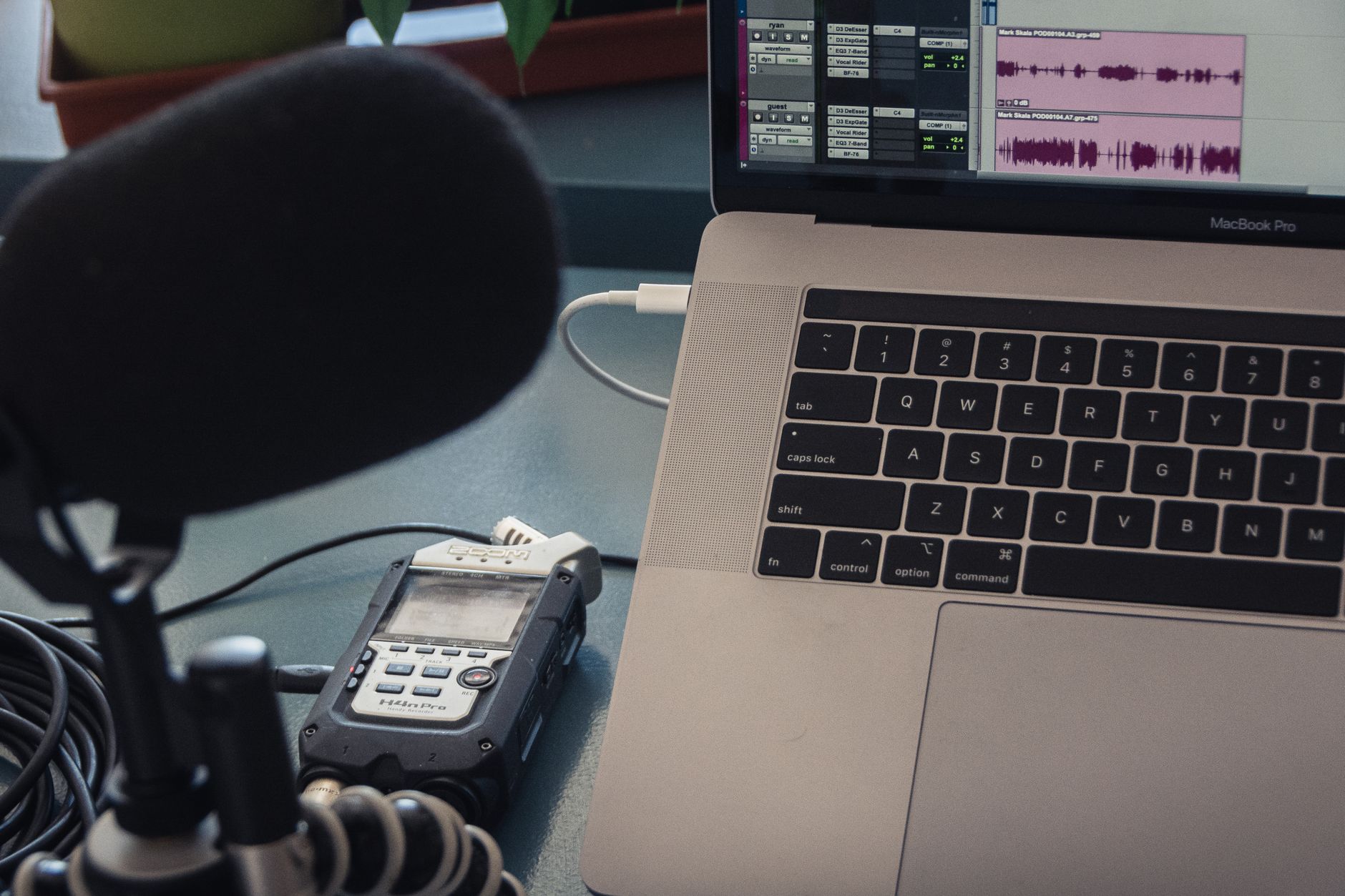
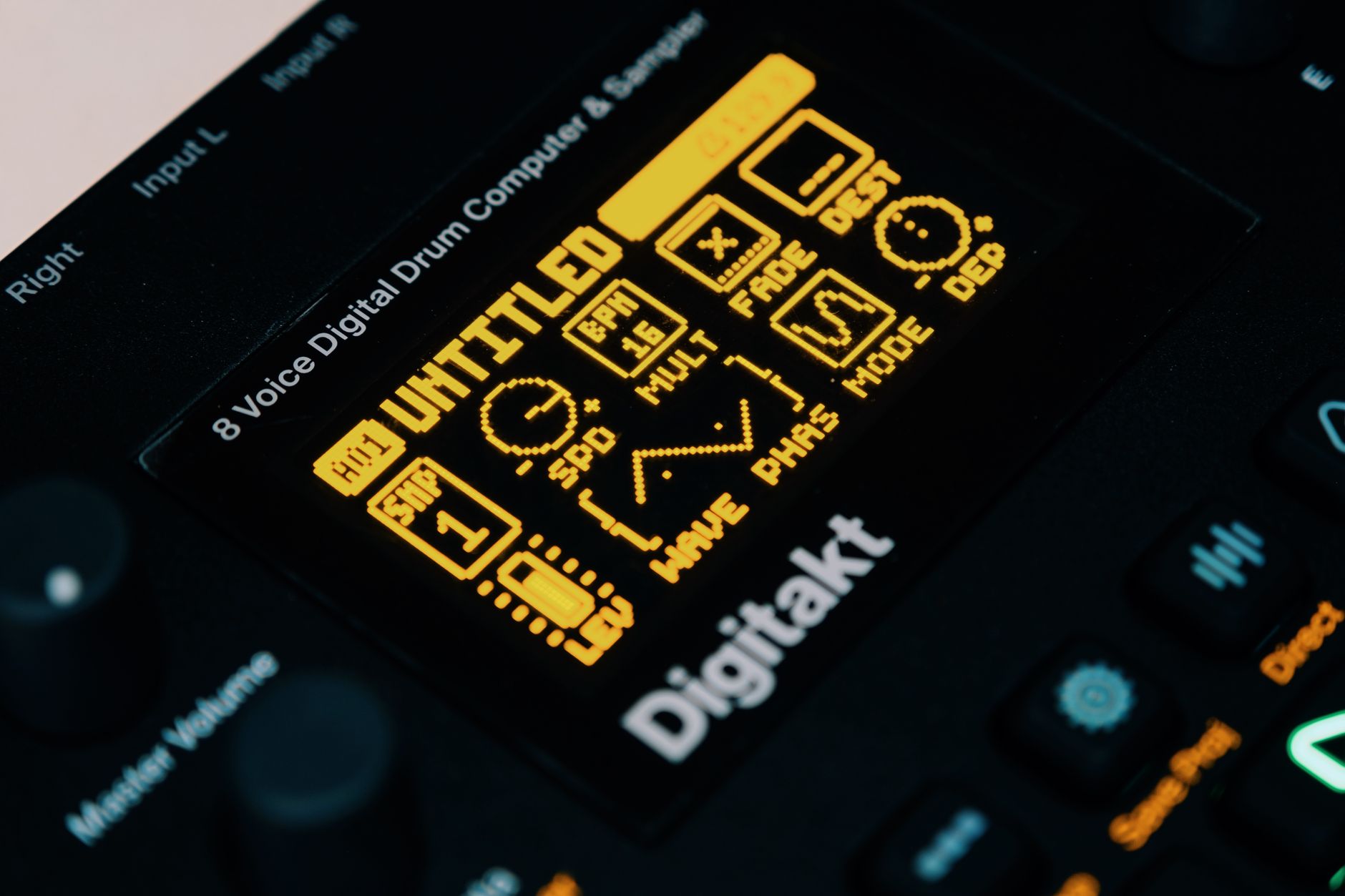 Photo: Egor Komarov via Pexels
Pick by workflow, not brand loyalty:
- FL Studio — best for trap, hip-hop, and anyone who thinks in 16-step patterns
- Ableton Live — best for electronic music, live sets, and producers who layer loops
- Logic Pro — best for Mac users who want a full plugin suite included
- Studio One — strong for producers who also record live instruments
All four have free trials. Download two, make something in each, and decide in a week.
Audio Interfaces: When You Need One (and When You Don’t)
If you’re making beats entirely in-the-box — no microphone, no guitar, no hardware synth — you can delay the interface purchase. Your laptop’s headphone output is adequate for headphone monitoring during the production phase. The moment you plug in studio monitors, record vocals, or connect outboard hardware, you need an interface.
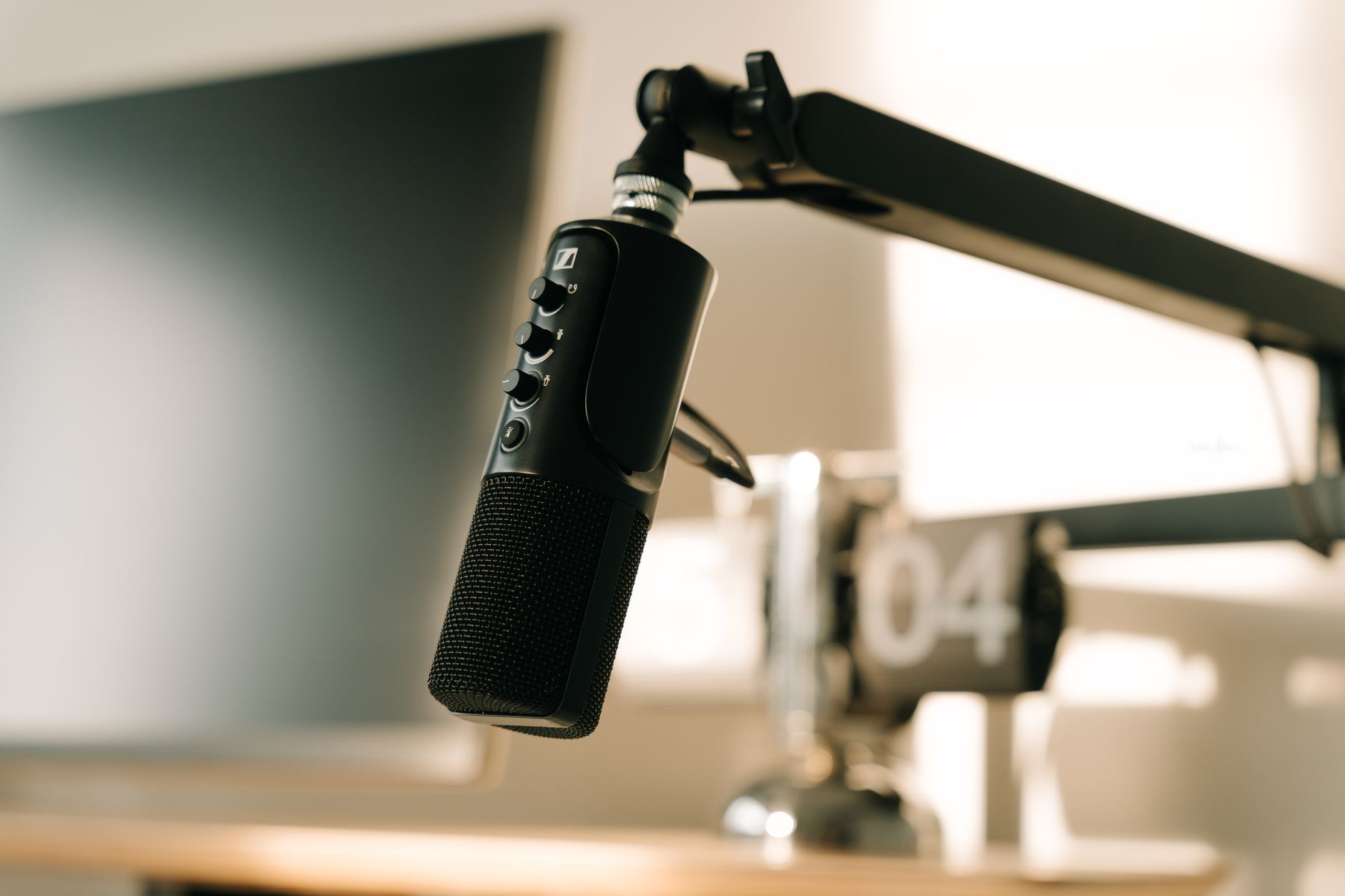
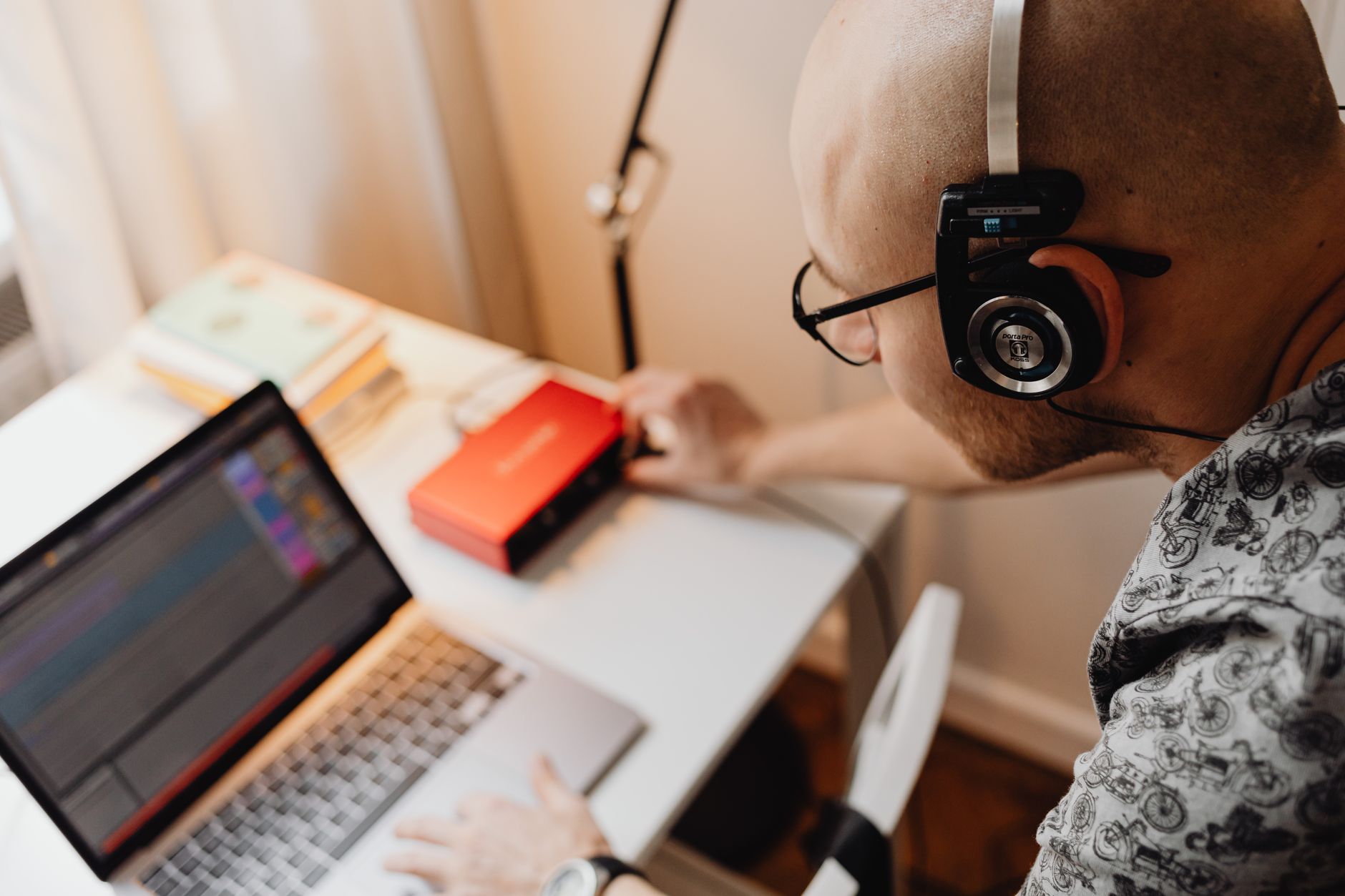 Photo: https://kaboompics.com/ via Pexels
The two most commonly recommended entry-level units based on expert consensus and user reviews:
| Interface | Inputs | Best For | Street Price |
|---|---|---|---|
| Focusrite Scarlett Solo | 1 mic, 1 instrument | Solo producers, vocals + guitar | ~$120 |
| Focusrite Scarlett 2i2 | 2 mic/line | Producers recording two sources | ~$180 |
| PreSonus AudioBox USB 96 | 2 mic/line | Budget two-channel option | ~$100 |
For beat-making specifically, the Solo covers 95% of use cases.
Studio Monitors vs Headphones for Beat Production
For a home studio setup for making beats, closed-back headphones are the better starting point than monitors. Monitors require room treatment to sound accurate — a bare bedroom reflects bass frequencies in ways that wreck your low-end judgment. Headphones bypass the room entirely. Add monitors when you’ve treated the room or when you need a second reference.
Headphones
| Model | Type | Price Range |
|---|---|---|
| Sony MDR-7506 | Closed-back | ~$100 |
| Audio-Technica ATH-M50x | Closed-back | ~$150 |
| Sennheiser HD 650 | Open-back (mixing) | ~$300 |
Near-Field Monitors (once room is treated)
| Model | Size | Price Range |
|---|---|---|
| Yamaha HS5 | 5“ | ~$400/pair |
| KRK Rokit 5 G4 | 5“ | ~$300/pair |
| Adam Audio T5V | 5“ | ~$200 each |
Published testing data from multiple audio publications consistently places the HS5 and T5V as the most translation-accurate options in the under-$500/pair range.
MIDI Controllers and Hardware for Beat Makers
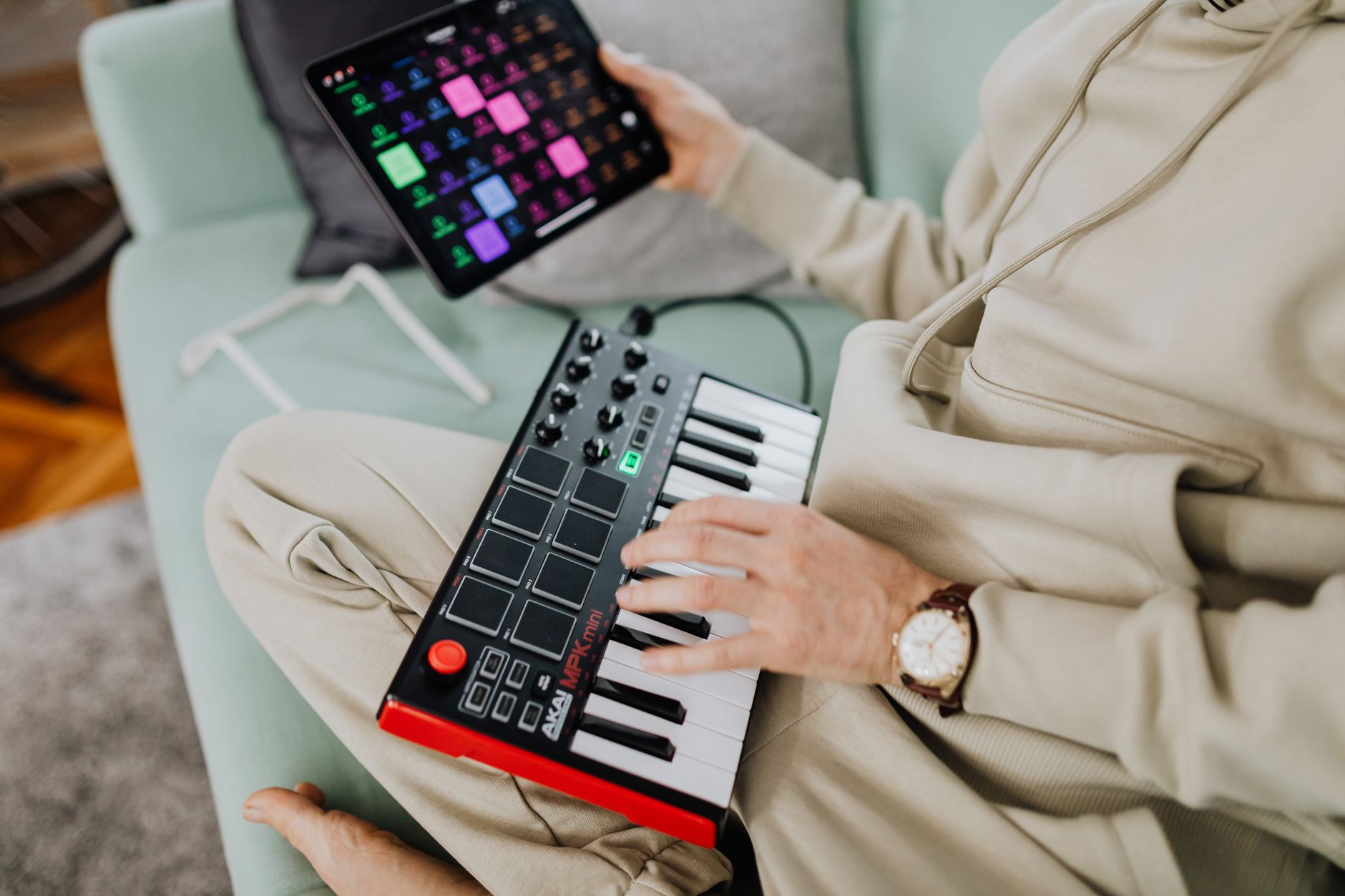
A MIDI keyboard or pad controller is the single biggest workflow upgrade for producers working purely with a mouse. Velocity-sensitive pads let you finger-drum patterns with human timing variation — programming that same feel in a piano roll takes ten times as long.
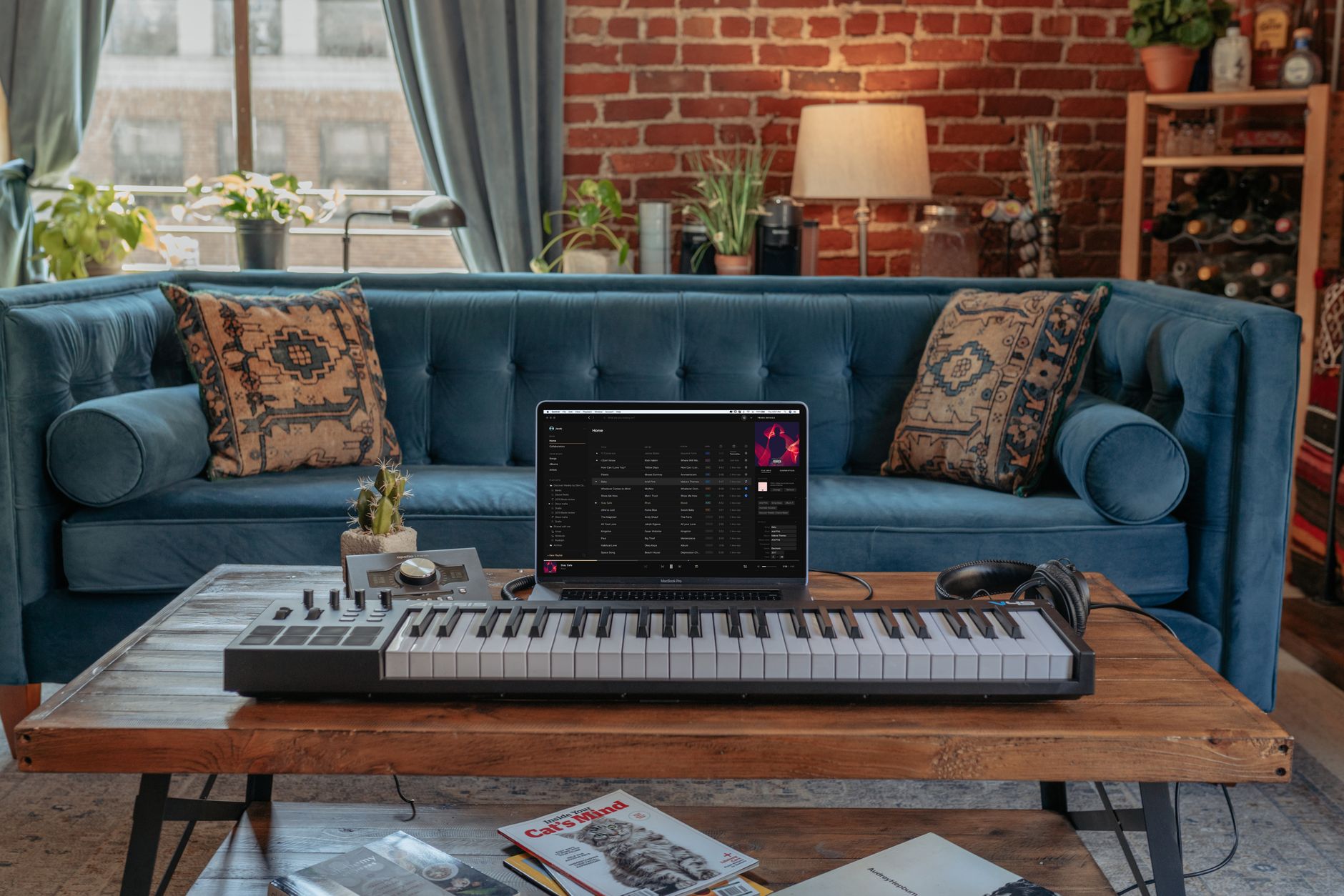 Photo: Vollume via Pexels
Recommended Controllers
| Controller | Best For | Price |
|---|---|---|
| Akai MPK Mini Mk3 | Compact keys + pads combo | ~$100 |
| Akai MPC One+ | Standalone beat production | ~$700 |
| Arturia MiniLab 3 | Keys + DAW controls | ~$100 |
| Native Instruments Maschine Mikro | Pad-first workflow | ~$200 |
For pure beat-making, the MPK Mini Mk3 and a DAW with a built-in drum sampler (Battery, Simpler, Fruity Slicer) cover most workflows at minimum cost.
How to Set Up Your Beat-Making Studio: Step-by-Step
Signal Chain
MIDI controller → USB → Computer/DAW → USB → Audio Interface → TRS cables → Studio Monitors
For headphone-only setup: Computer/DAW → headphone out or interface → Headphones
Gain staging notes: Keep your DAW master output at -6 dBFS headroom during production. Interface output knob should sit at 12 o’clock for monitors — adjust monitor volume at the speaker, not in the DAW.
Setup Workflow
- Install your DAW and verify the audio device is set to your interface (Preferences → Audio → Device). Set buffer size to 256 samples for production (low CPU), drop to 64–128 if recording vocals live.
- Install interface drivers if required (Focusrite uses Focusrite Control; many modern interfaces are class-compliant and need no driver).
- Connect monitors to interface outputs 1/2 via balanced TRS cables. Unbalanced TS cables introduce noise over long runs — use TRS.
- Create a new project and set your sample rate to 44.1 kHz / 24-bit for production work destined for streaming.
- Load a drum kit — your DAW’s stock drums are fine to start. FL Studio’s FPC, Ableton’s Drum Rack, and Logic’s Ultrabeat all ship with usable kits.
- Build your first pattern — program a kick on beats 1 and 3, snare on 2 and 4, hi-hats on every 8th note. This is the foundation every variation branches from.
- Add a bassline on a separate MIDI channel routed to a bass instrument (sub bass plugin or 808 sample). Keep it under 100 Hz to avoid muddying the mix.
- Bounce to audio as you build to reduce CPU load on complex patterns.
- Export stems when the beat is done: individual audio files per instrument group (drums, bass, melody, FX) for delivery to vocalists.
Troubleshooting Matrix
| Symptom | Likely Cause | Fix |
|---|---|---|
| High latency / sluggish MIDI | Buffer size too large | Lower buffer to 64–128 samples in DAW audio prefs |
| Crackling / dropouts | Buffer too low for CPU load | Increase buffer to 256–512; freeze heavy tracks |
| No sound from monitors | Interface not selected as output device | Set audio device in DAW prefs to interface, not built-in |
| 60 Hz hum from monitors | Ground loop or unbalanced cable | Switch to balanced TRS; check interface ground |
| One monitor louder than other | Mono output or panning issue | Confirm stereo output bus; check monitor trim knobs |
| MIDI controller not detected | Driver or USB issue | Reinstall driver; try different USB port (avoid hubs) |
Beat Making Studio Setup: Minimum Gear List
The minimum beat making studio setup that produces releasable music: a DAW, a MIDI keyboard, and headphones. Add an interface when you start recording live instruments or vocals.
| Gear | Entry Pick | Price |
|---|---|---|
| DAW | FL Studio Fruity Edition | ~$99 (lifetime updates) |
| MIDI Keyboard | Akai MPK Mini Mk3 (25-key, pads) | ~$100 |
| Headphones | Sony MDR-7506 (closed-back) | ~$100 |
| Interface (when needed) | Focusrite Scarlett Solo | ~$120 |
| Free Sample Pack | Splice Free Tier / LANDR Free | $0 |
Total entry cost: ~$300 with no interface, ~$420 with interface. You don’t need the interface until you’re recording a mic or external hardware — the DAW’s built-in audio handles in-the-box production fine.
For the FL Studio workflow: load a drum kit in FPC (Channel Rack → Add → FPC), set the grid to 16 steps, program kick on 1 and 3, snare on 5 and 13. That’s the skeleton every beat branches from.
→ See also:
- The Complete Home Recording Studio Setup Guide (2026)
- Best Home Studio Setup for $1000 (2026)
- How to Build a Home Studio for $500 (2026)
- How to Build a Home Studio for $300 (2026)
FAQ
Do I need a soundproofed room to make beats at home? No. Soundproofing is about keeping sound in or out — it doesn’t affect the quality of your recordings or MIDI production. Acoustic treatment (foam panels, bass traps) improves monitoring accuracy but isn’t required to make professional beats in the box. Most commercially released hip-hop and electronic music was produced in untreated rooms.
What’s the minimum laptop spec for beat production? 16 GB RAM is the practical floor for running a modern DAW with third-party plugins and sample libraries simultaneously. An Apple M-series chip or a modern Intel/AMD quad-core with SSD storage handles most workflows. Older machines with 8 GB RAM and HDDs will bottleneck on large sample libraries.
Can I make beats without an audio interface? Yes, for fully in-the-box production. Your computer’s built-in audio handles MIDI playback and plugin monitoring without an interface. You need an interface when you record live audio (microphone, guitar, external hardware), or when you connect studio monitors that require balanced line-level input.
Is FL Studio or Ableton better for making beats? Both are industry-standard for beat production. FL Studio’s step sequencer and pattern workflow suit producers who think in loops, and its lifetime free update policy makes it strong value. Ableton is preferred by producers who also perform live or who work in electronic/club music genres. Neither is objectively better — the right choice depends on your workflow.
How much should I spend on my first home studio setup for making beats? A complete home studio setup for making beats can be assembled for $200–$500: a DAW license ($100–$200), headphones ($100), and an optional audio interface ($100–$120) if you’re adding a microphone. The gear ceiling for professional-quality output is lower than most beginners assume — producer skill and well-chosen samples matter more than expensive hardware.
Do I need studio monitors or will headphones work? Headphones are sufficient for beat production and are often preferable in untreated rooms. The risk with headphones is that stereo imaging feels wider than it translates on speakers, so periodically check your mix through phone speakers or earbuds to catch extreme panning. If you add monitors, pair them with basic acoustic treatment (at minimum, a corner bass trap behind your listening position).
Editorial methodology: Assessments are based on manufacturer specifications, published user reviews, and editorial research. Physical hands-on testing is noted explicitly where it occurred. Rankings reflect our editorial judgment and are not influenced by affiliate commission rates. Full editorial policy · Affiliate disclosure