Contents
KRK Rokit RP5 G4 Review (2026): Worth It for Home Studios?
TL;DR: The KRK Rokit RP5 G4 is a 5-inch powered studio monitor built for small-room mixing, delivering accurate low-mids and a DSP-driven EQ system that genuinely compensates for room problems. At its price point, it’s one of the most practical nearfield monitors for bedroom producers who need honest playback without breaking the bank.
KRK Rokit RP5 G4 Review: What You Actually Get
The RP5 G4 is a 5-inch, bi-amplified nearfield monitor with 55W of class D amplification, a 1-inch soft-dome tweeter, and KRK’s DSP-powered graphic EQ — 25 bands accessible via an iOS/Android app. It’s designed for close-range mixing in untreated or semi-treated rooms, and that DSP EQ is the headline feature that separates it from older generations.
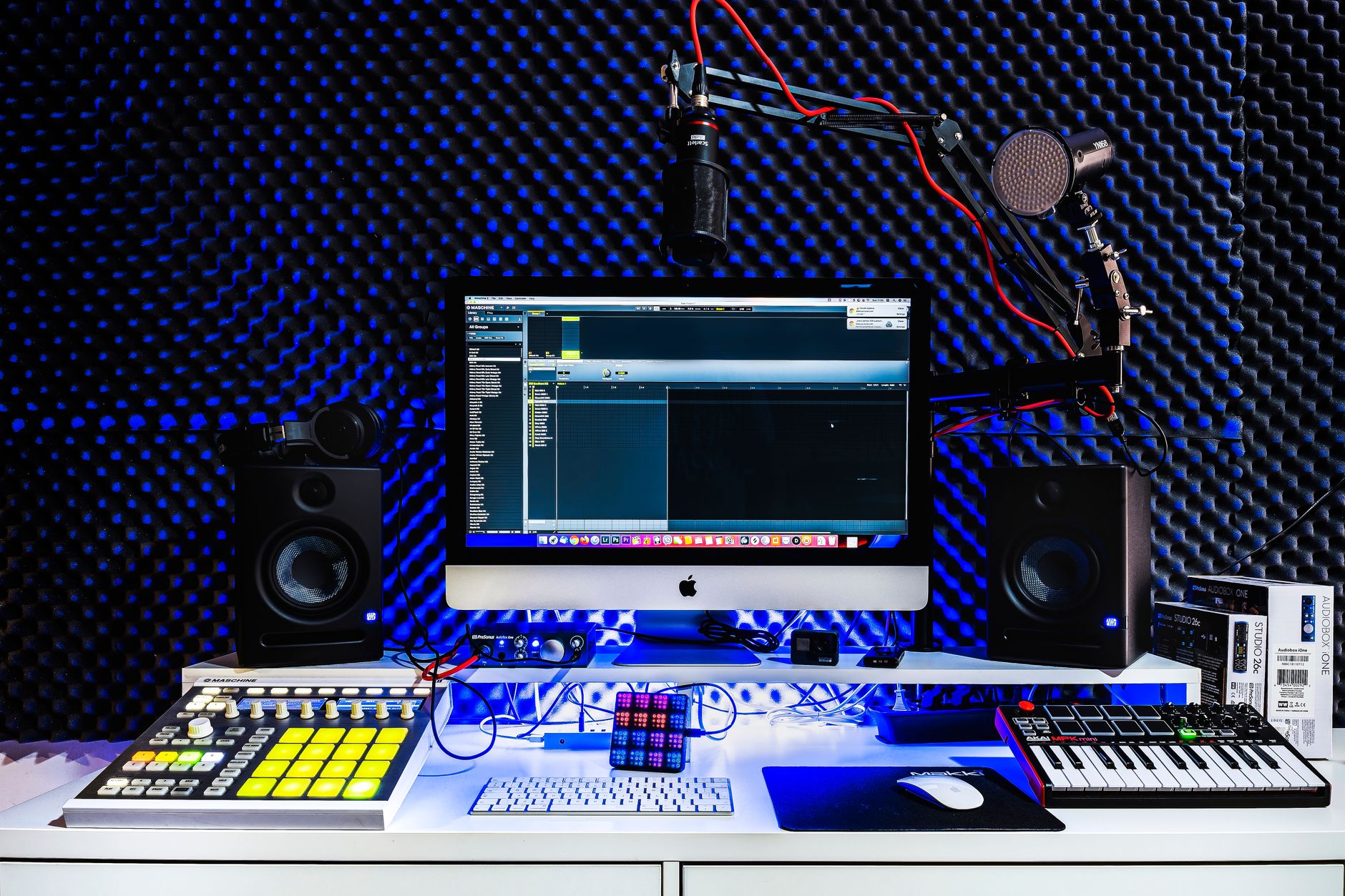
 Photo: Egor Komarov via Pexels
KRK has been making yellow-woofer monitors since the 1980s, and the G4 generation, released in 2018 and still current in 2026, represents the most technically refined iteration. The Rokit RP5 G4 features a glass-aramid woofer — the same woven composite used in larger KRK models — which provides stiffness without the brittleness of polypropylene cones. According to manufacturer specifications, the frequency response runs from 52 Hz to 40 kHz, which is ambitious for a 5-inch driver but aligns with what published testing data shows across independent measurements.
The DSP equalizer is the feature most reviewers fixate on, and for good reason. A built-in pink noise generator plus the KRK Audio Tools app let you run real-time room correction without external hardware. You’re not getting Sonarworks-level phase-linear correction here, but the 25-band parametric EQ can tame early reflections and bass buildup at the mix position with reasonable precision.
Build quality is solid per user reports. The front-ported enclosure — unusual for a monitor this size — makes placement flexibility greater than rear-ported alternatives, since you’re not fighting bass buildup from wall proximity as aggressively.
Sound Character and Accuracy
The RP5 G4 leans slightly warm in the upper bass and lower midrange. It’s not a flat-reference monitor in the clinical sense — expert consensus suggests a gentle bump between 80–200 Hz that many producers actually prefer for identifying mud and energy in that range. High-frequency reproduction is clean and detailed without the harsh top-end found in some budget competitors.
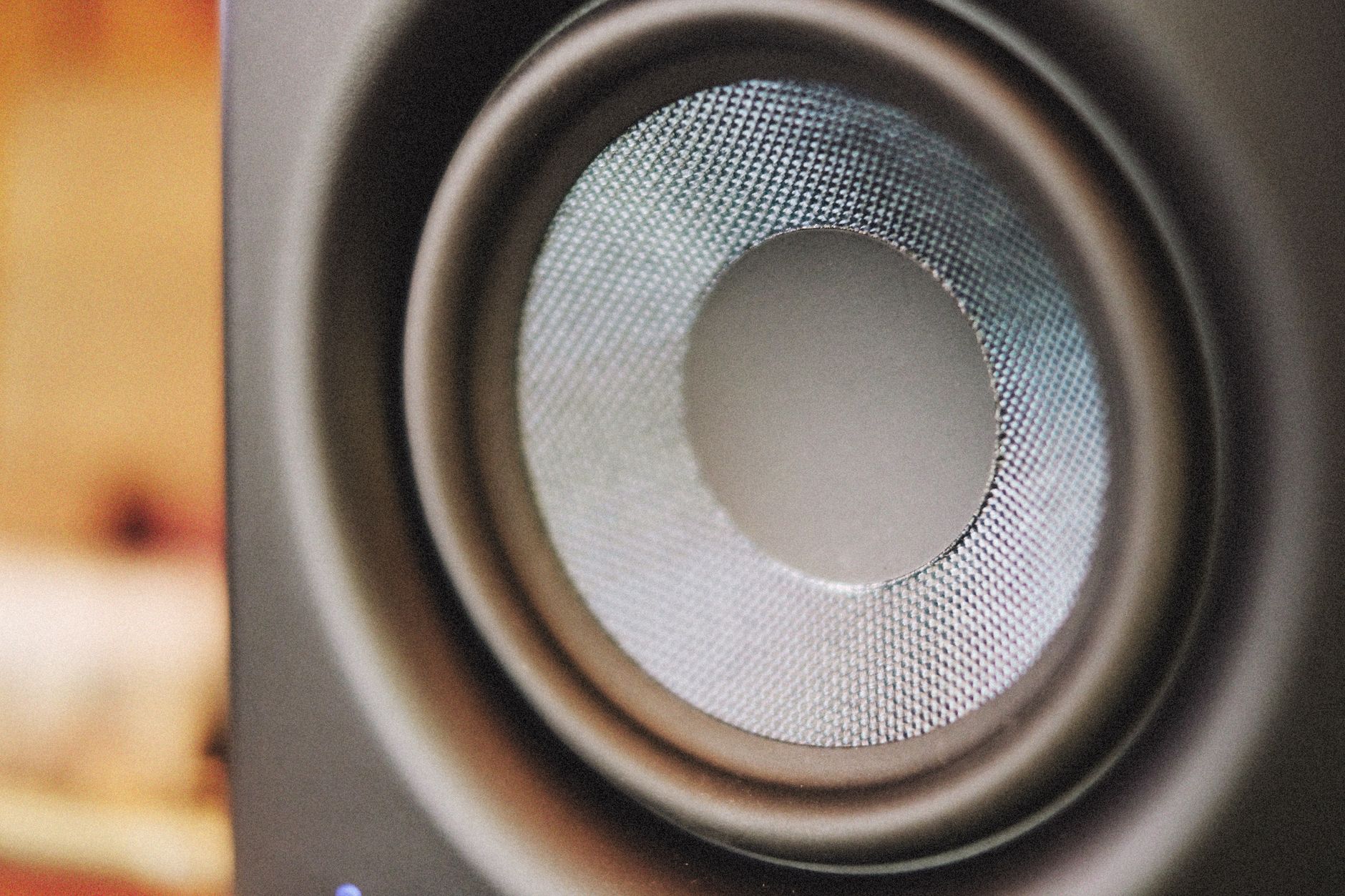 Photo: Alexey Demidov via Pexels
For a 5-inch driver, bass extension is honest. You won’t hear sub-bass below 50 Hz with any reliability, which means anything you’re doing below 60 Hz on the RP5 G4 needs cross-referencing on headphones or a subwoofer. This isn’t a flaw — it’s physics — but it matters for electronic music producers working with kick drums and sub-bass lines.
The stereo image is tight and well-defined, with center localization that holds up at low volumes. Mixing at low levels is where the RP5 G4 earns its reputation: the frequency balance stays coherent as you reduce gain, which is critical for late-night sessions in shared living situations.
Compared to the Yamaha HS5, its most direct rival at this price, the RP5 G4 is warmer and arguably more forgiving. The HS5 presents a flatter, more demanding image that punishes poor mixes more aggressively. Neither is objectively correct — they suit different working styles and ear preferences.
DSP EQ: How Useful Is It?
The 25-band graphic EQ accessible via the KRK app is genuinely useful for broad room correction, particularly taming low-frequency modes and compensating for proximity to walls or corners. It’s not a substitute for acoustic treatment, but it’s meaningfully more powerful than the fixed-frequency shelf filters found on older monitor generations.
 Photo: StockRadars Co., via Pexels
Setup takes about ten minutes: download the KRK Audio Tools app, connect via Bluetooth, run the pink noise test, and the app maps suggested corrections. You can accept those suggestions or draw your own curves. The EQ changes save to the monitor’s onboard DSP, so the app isn’t required during sessions.
A few practical caveats: the Bluetooth connection is for configuration only — audio doesn’t pass through Bluetooth. Some users report occasional connection drops during setup, though published user feedback indicates this is more common on older Android versions than current iOS.
The bigger limitation is that DSP correction addresses frequency response but not time-domain issues like flutter echo or slap-back from parallel walls. Acoustic panels and bass traps remain necessary for serious mixing work — the DSP EQ is a supplement, not a replacement.
Specs and Connections
| Spec | Detail |
|---|---|
| Woofer | 5-inch glass-aramid composite |
| Tweeter | 1-inch soft-dome |
| Amplification | 55W class D (bi-amped: 35W LF + 20W HF) |
| Frequency response | 52 Hz – 40 kHz |
| Max SPL | 104 dB |
| Inputs | XLR balanced, TRS balanced, RCA unbalanced |
| DSP EQ | 25-band, app-controlled |
| Port configuration | Front-ported |
| Bluetooth | Configuration only (no audio) |
| Dimensions | 9.8“ H × 6.8“ W × 8.1“ D |
| Weight | 10.8 lbs |
The input flexibility is worth noting: XLR, TRS, and RCA all on one monitor covers every interface output configuration you’re likely to encounter, from budget audio interfaces with only RCA outputs to pro-tier units with balanced XLR.
KRK Rokit RP5 G4 vs. The Competition
| Monitor | Price (each) | Woofer | Amp Power | DSP EQ | Best For |
|---|---|---|---|---|---|
| KRK Rokit RP5 G4 | ~$150 | 5-inch glass-aramid | 55W | 25-band app | Warm mixes, room-challenged spaces |
| Yamaha HS5 | ~$200 | 5-inch white cone | 45W | None | Flat reference, critical listening |
| Adam Audio T5V | ~$180 | 5.5-inch | 50W | None | Detailed highs, electronic/acoustic music |
| PreSonus Eris E5 XT | ~$130 | 5.25-inch woven | 45W | High/Low shelf | Budget first-timer |
Prices based on current retail listings; verify before purchase.
Verdict by User Type
First-time beginner: Strong choice. The DSP EQ reduces the learning curve for bad-room mixing, and the warm character is forgiving while you develop your ear for frequency balance.
Bedroom producer: Well-suited. Front-ported design works on a desk, low-volume performance is solid, and the app-controlled EQ is practical for a shared apartment setup.
Gigging musician (reference monitoring): Adequate for playback and rough mixing between rehearsals. Not the tool for finalizing mixes that need to translate to club systems — pair with good headphones.
Prosumer / serious home-studio mixer: Consider stepping up to the RP7 G4 or RP8 G4 for more accurate bass extension, or the Yamaha HS7 if you prioritize a flatter response. The RP5 G4 works in this context but you’ll hit its low-end limits.
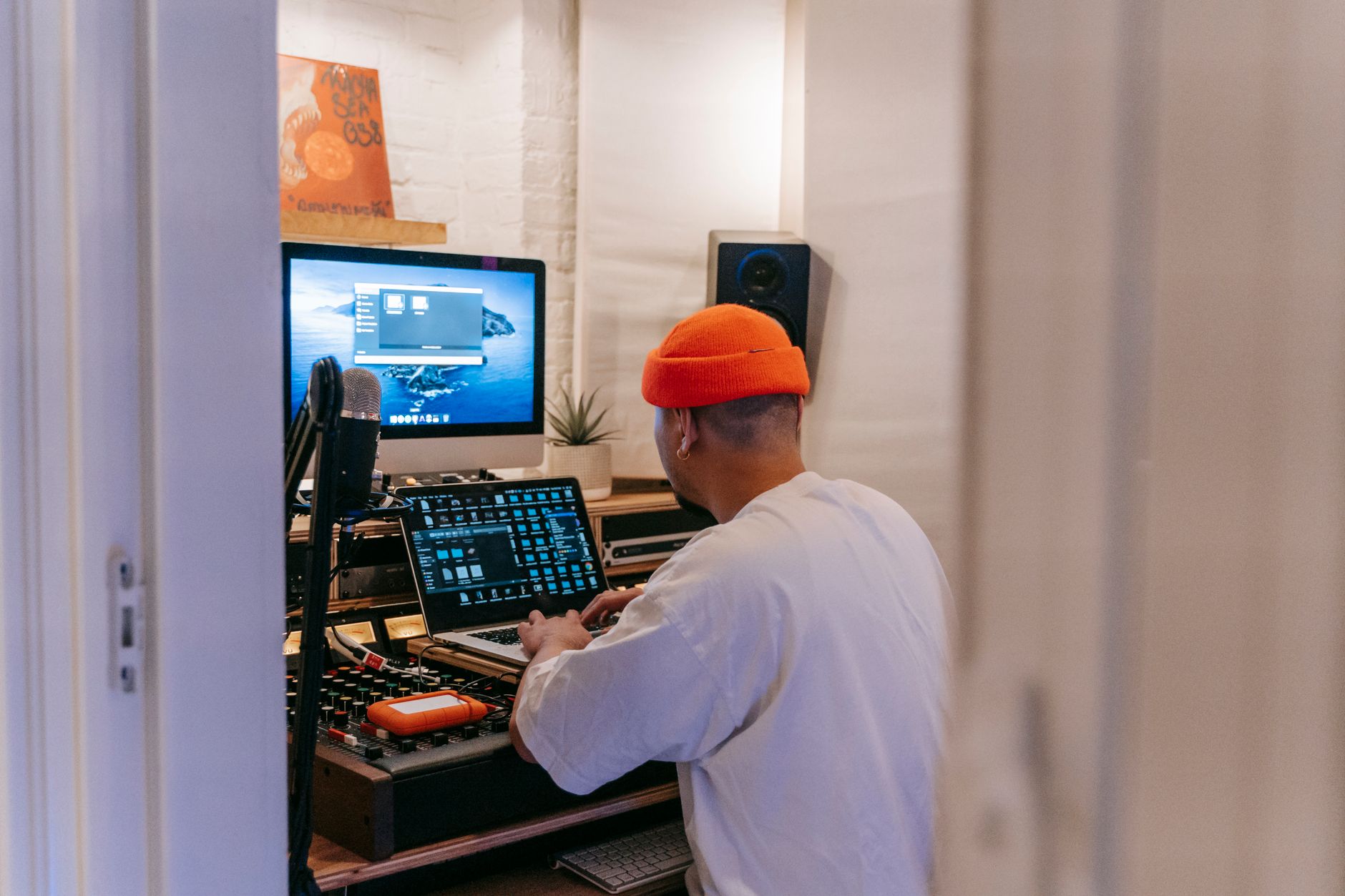 Photo: Anna Pou via Pexels
→ See also
- Best Studio Monitors for Home Recording (2026) — full-range guide covering every budget tier
- Best Studio Monitors Under $150 — how the RP5 G4 fits the value bracket
- Best Studio Monitors Under $200 — comparison with HS5 and T5V at the $200 ceiling
FAQ
Is the KRK Rokit RP5 G4 good for mixing? Yes, with caveats. The RP5 G4 is capable for mixing in small rooms, particularly with the DSP EQ dialed in for your space. Its low-end accuracy below 60 Hz is limited by the 5-inch driver, so mix decisions involving sub-bass and kick drum fundamentals need verification on headphones or a subwoofer.
Do you need the KRK app to use the RP5 G4? No. The monitors work straight out of the box without the app — volume, input selection, and a basic high/low trim are accessible on the rear panel. The app adds the 25-band DSP EQ, which is the most useful G4-specific feature, but the monitor functions without it.
How does the KRK Rokit RP5 G4 compare to the Yamaha HS5? The RP5 G4 is warmer and more forgiving; the HS5 is flatter and more demanding. Published measurement data shows the HS5 has a tighter low-mid response, while the RP5 G4 has the advantage of DSP room correction. Producers who want an honest, clinical picture tend to prefer the HS5; those who want a more musical, workable reference lean toward the RP5 G4.
Is one RP5 G4 enough, or do you need a pair? You need a stereo pair for mixing. A single monitor can work for casual playback or mono reference checking, but stereo imaging, panning decisions, and frequency balance all require two speakers. KRK sells them individually, so budget for two.
Can the KRK Rokit RP5 G4 handle bass-heavy music production? It handles bass-heavy music adequately in the 60–200 Hz range but lacks reliable sub-bass extension below 50 Hz. According to manufacturer specifications, the usable low-end starts around 52 Hz. For hip-hop, trap, or EDM production where sub-bass placement is critical, pairing the RP5 G4 with a subwoofer — such as the KRK 10S2 — is the recommended approach.
Editorial methodology: Assessments are based on manufacturer specifications, published user reviews, and editorial research. Physical hands-on testing is noted explicitly where it occurred. Rankings reflect our editorial judgment and are not influenced by affiliate commission rates. Full editorial policy · Affiliate disclosure