Contents
What Is a DAW? Complete Beginner’s Guide
TL;DR: A DAW (Digital Audio Workstation) is the software you use to record, edit, arrange, mix, and export audio on your computer. It’s the command center of any home studio — whether you’re recording vocals over a beat, producing electronic music from scratch, or podcasting. Every major DAW does these core jobs; they differ in workflow, price, and the genre they’re built around.
What Is a DAW, Exactly?
A DAW is software that replaces an entire traditional recording studio on your computer. It handles multitrack recording, MIDI sequencing, audio editing, mixing, and final export — everything from the first recorded note to the finished MP3.
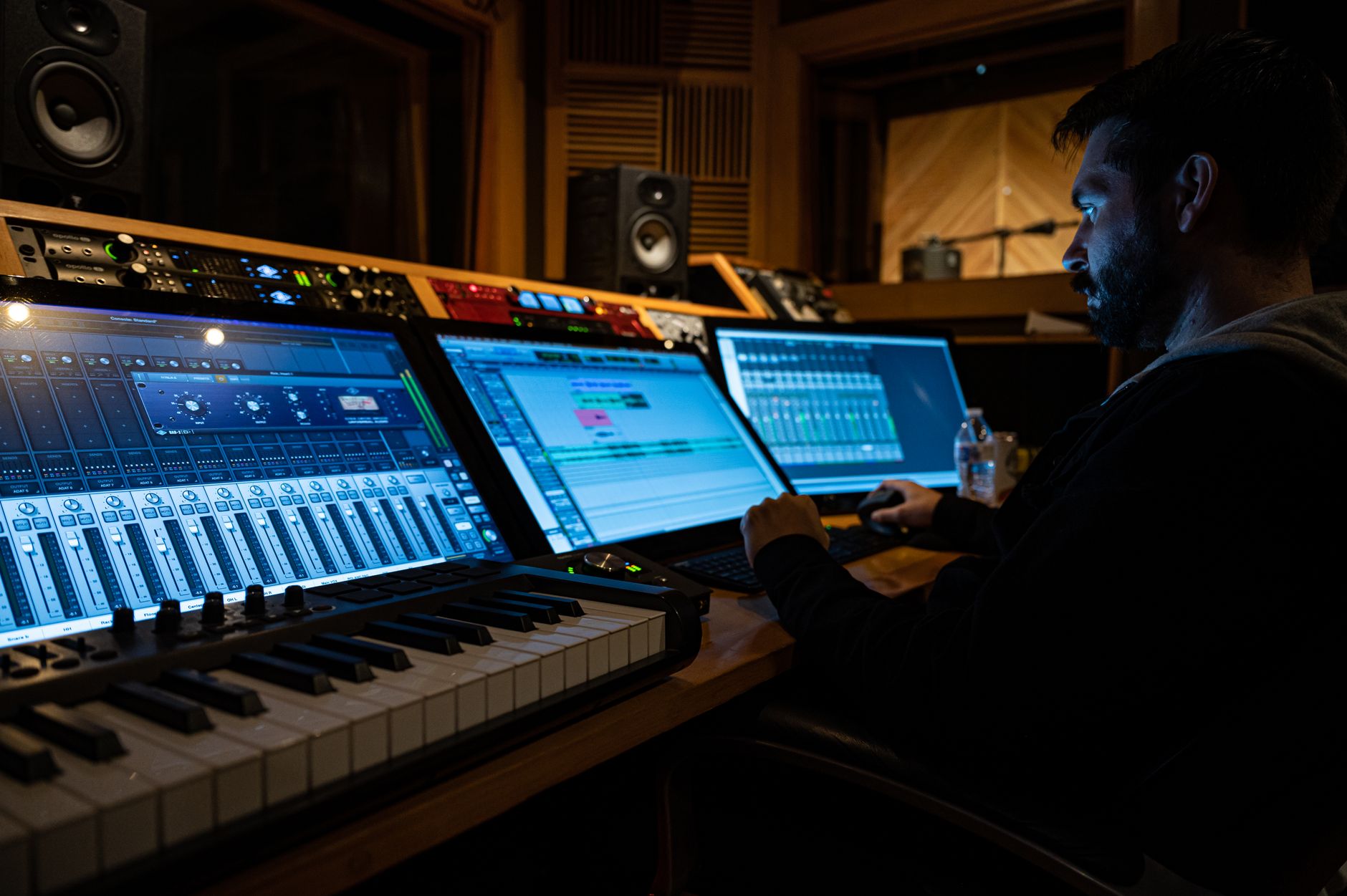
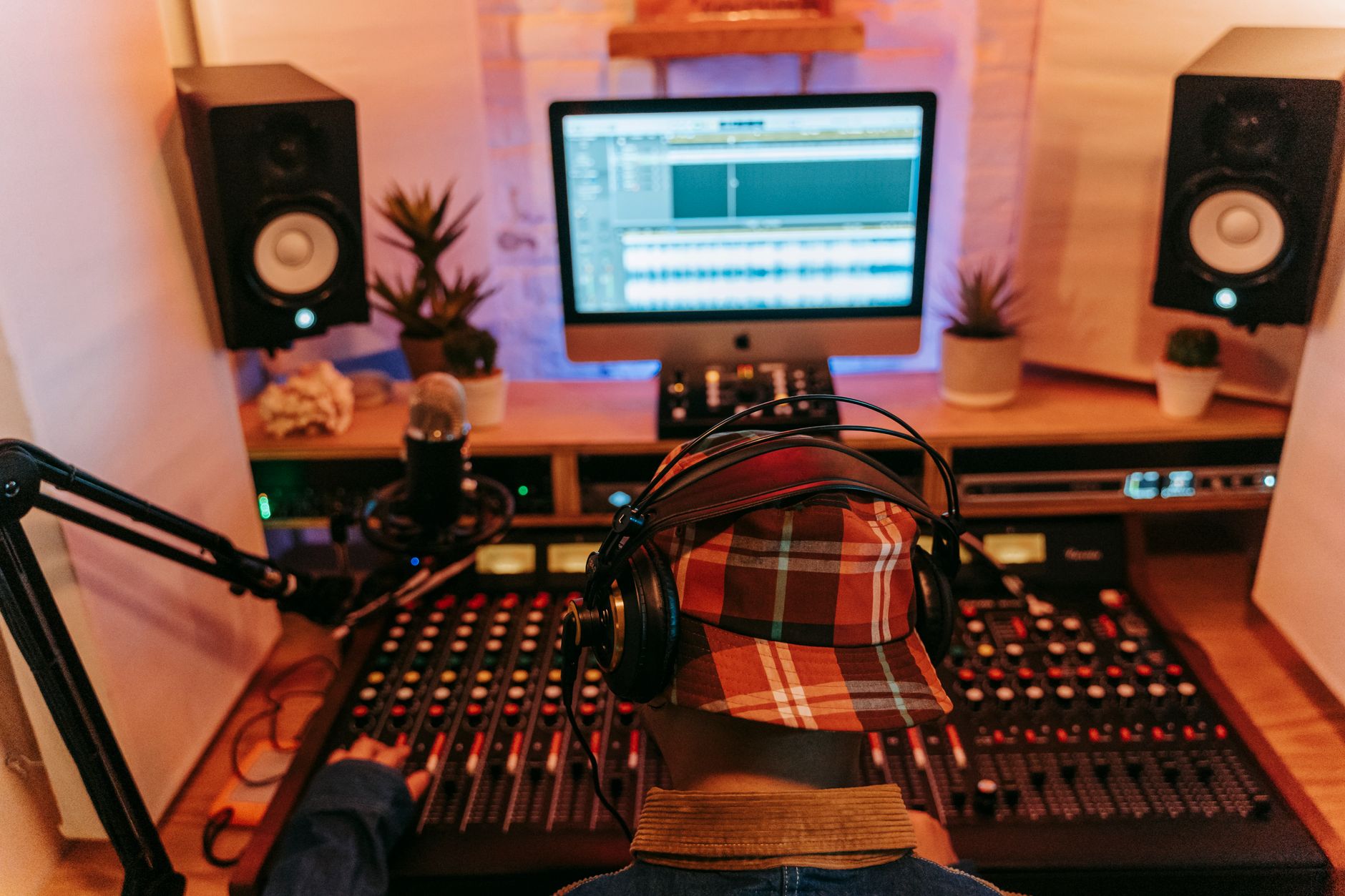 Photo: Anna Pou via Pexels
Before DAWs, recording required a physical mixing console, multitrack tape machine, outboard gear racks, and a dedicated room to house all of it. That setup cost hundreds of thousands of dollars. A DAW collapses every one of those components into software you can run on a laptop.
The term digital audio workstation originally referred to a hardware/software combo — think early Fairlight and New England Digital systems from the 1980s. Today it almost always means standalone software: Logic Pro, Ableton Live, FL Studio, Pro Tools, and their competitors.
What a DAW actually does
Strip away the branding and every DAW performs the same six functions:
- Record — captures audio from a microphone or instrument via your audio interface, and MIDI data from keyboards or pad controllers
- Arrange — places recorded clips and MIDI regions on a timeline
- Edit — cuts, trims, time-stretches, pitch-corrects, and comps takes
- Process — routes audio through plugins (EQ, compression, reverb, etc.)
- Mix — balances levels, panning, and effects across every track
- Export — renders the finished project to a stereo file (WAV, MP3, AAC)
If a piece of software does all six, it’s a DAW. If it only does one or two — a loop player, a standalone tuner — it’s not.
How a DAW Is Structured
Every DAW organizes work around tracks. Each track holds either audio (a recorded waveform) or MIDI (note data that triggers a virtual instrument). Tracks stack vertically; time runs left to right. That two-axis layout is universal across every major DAW.
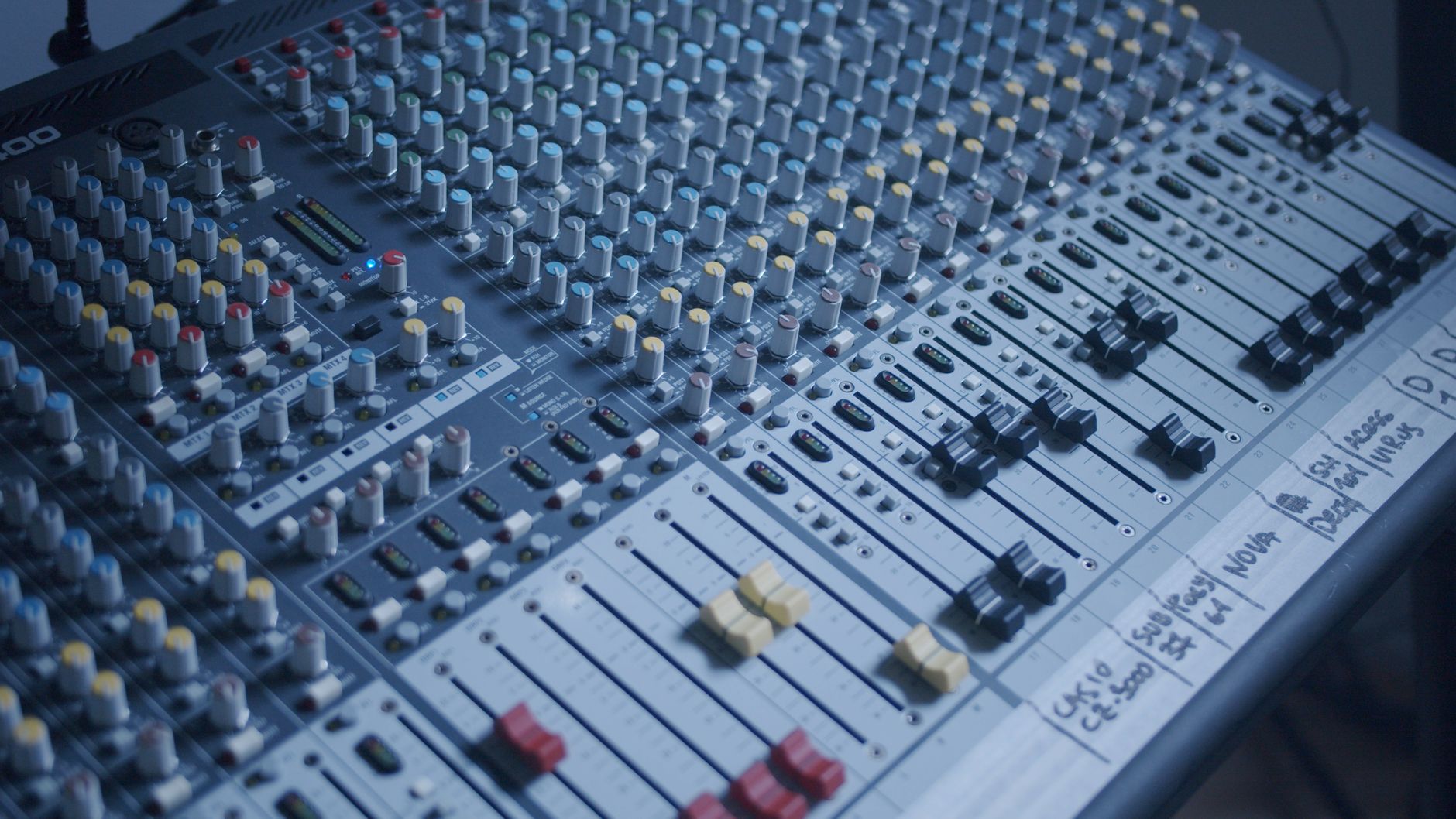
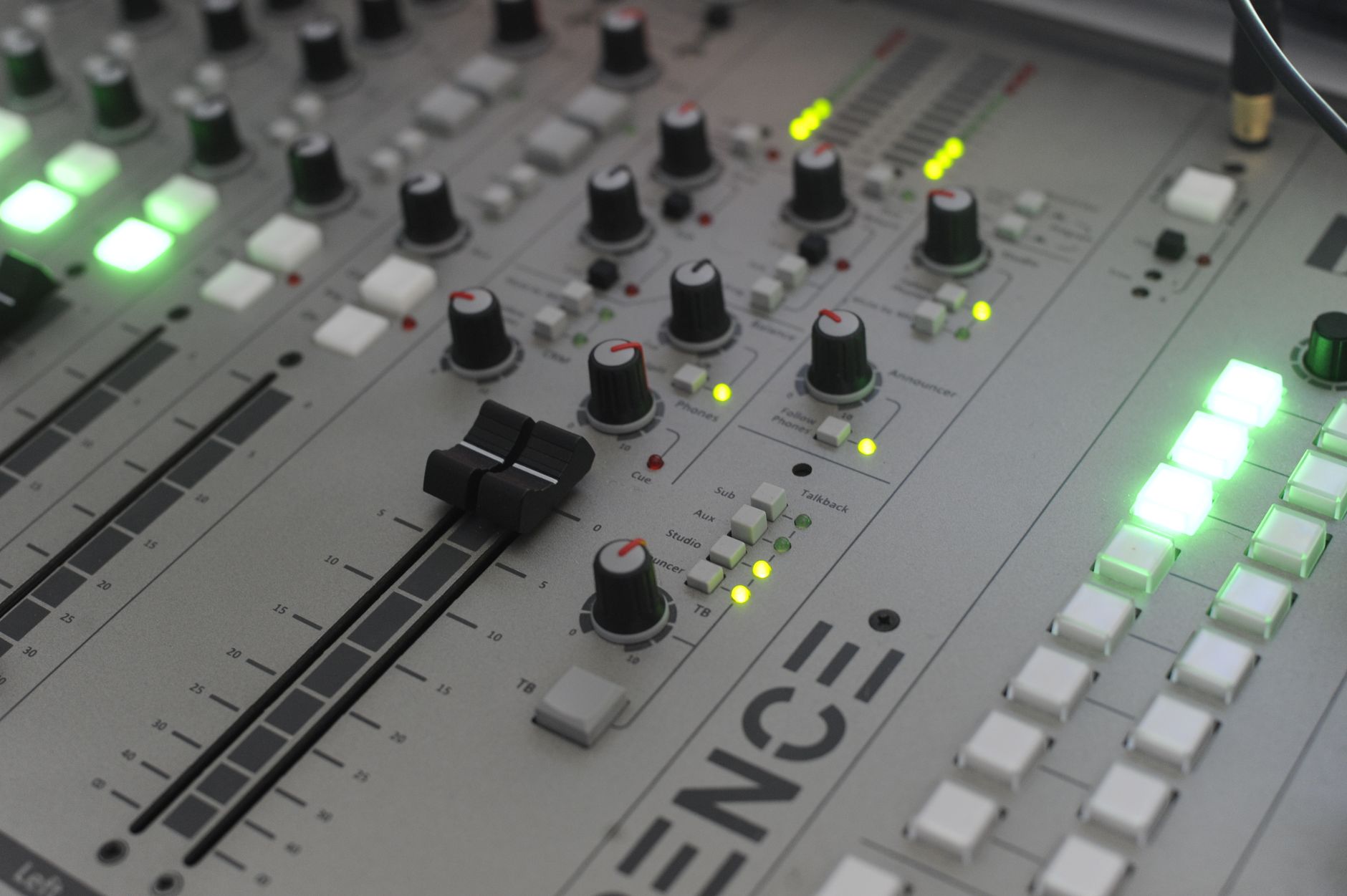 Photo: Guillaume Pierre LEROY via Pexels
The main views you’ll use
Arrangement / Timeline view — the big-picture canvas where you lay out your song structure: verse, chorus, bridge. This is where you cut and move clips.
Piano Roll / MIDI editor — zoom into a MIDI region and you see individual notes as horizontal bars on a piano keyboard grid. This is where you program drums, melodies, and chords without playing them in real time.
Mixer — a virtual mixing console. Every track gets a channel strip with a fader, pan knob, and insert slots for plugins.
Plugin browser — your library of virtual instruments (synths, samplers, drum machines) and effects (EQ, compression, reverb, delay). Most DAWs ship with a usable stock bundle; you can add third-party plugins later.
Audio tracks vs. MIDI tracks
| Track type | What it holds | Typical use |
|---|---|---|
| Audio | Recorded waveform (.wav / .aiff) | Vocals, live guitar, room ambience |
| MIDI | Note/velocity data | Synths, drum machines, any virtual instrument |
| Instrument | MIDI data + bundled virtual instrument | All-in-one: write and hear notes on one track |
| Aux / Bus | Receives signal from other tracks | Reverb sends, parallel compression |
DAW vs. Audio Editor — What’s the Difference?
A DAW is non-linear and multitrack; an audio editor (like Adobe Audition’s waveform view or Audacity) works on a single file at a time. Use a DAW for music production and podcasting sessions; use an audio editor for surgical repairs on a finished file.
Most DAWs include a basic audio editor inside them. Standalone audio editors like Audacity are free and excellent for cleanup work — noise reduction on a field recording, removing a cough — but they’re not meant for building a song from scratch.
The Major DAWs: A Comparison
Choosing a DAW early matters because your project files are tied to it. Here’s how the leading options stack up:
| DAW | Price | Platform | Best For | Learning Curve |
|---|---|---|---|---|
| Ableton Live | $99–$749 | Mac / Win | Electronic, live performance | Medium |
| Logic Pro | $199.99 | Mac only | Singer-songwriters, pop, film | Medium |
| FL Studio | $99–$499 | Mac / Win | Beats, hip-hop, EDM | Medium-low |
| Pro Tools | $99/yr or $599 | Mac / Win | Professional recording, post | High |
| Reaper | $60 (discounted) | Mac / Win / Linux | Custom workflows, tight budgets | High |
| GarageBand | Free | Mac / iOS | Absolute beginners, iOS recording | Low |
| Studio One | Free–$399 | Mac / Win | Songwriting, mixing, mastering | Medium-low |
| Bitwig Studio | $99–$399 | Mac / Win / Linux | Modular, experimental, Linux users | Medium |
Plugin format support
| DAW | VST3 | AU | AAX | Built-in instruments |
|---|---|---|---|---|
| Ableton Live | Yes | Yes (Mac) | No | Excellent |
| Logic Pro | No | Yes | No | Excellent |
| FL Studio | Yes | Yes (Mac) | No | Excellent |
| Pro Tools | Yes | Yes (Mac) | Yes | Good |
| Reaper | Yes | Yes (Mac) | No | Basic |
| Studio One | Yes | Yes (Mac) | No | Good |
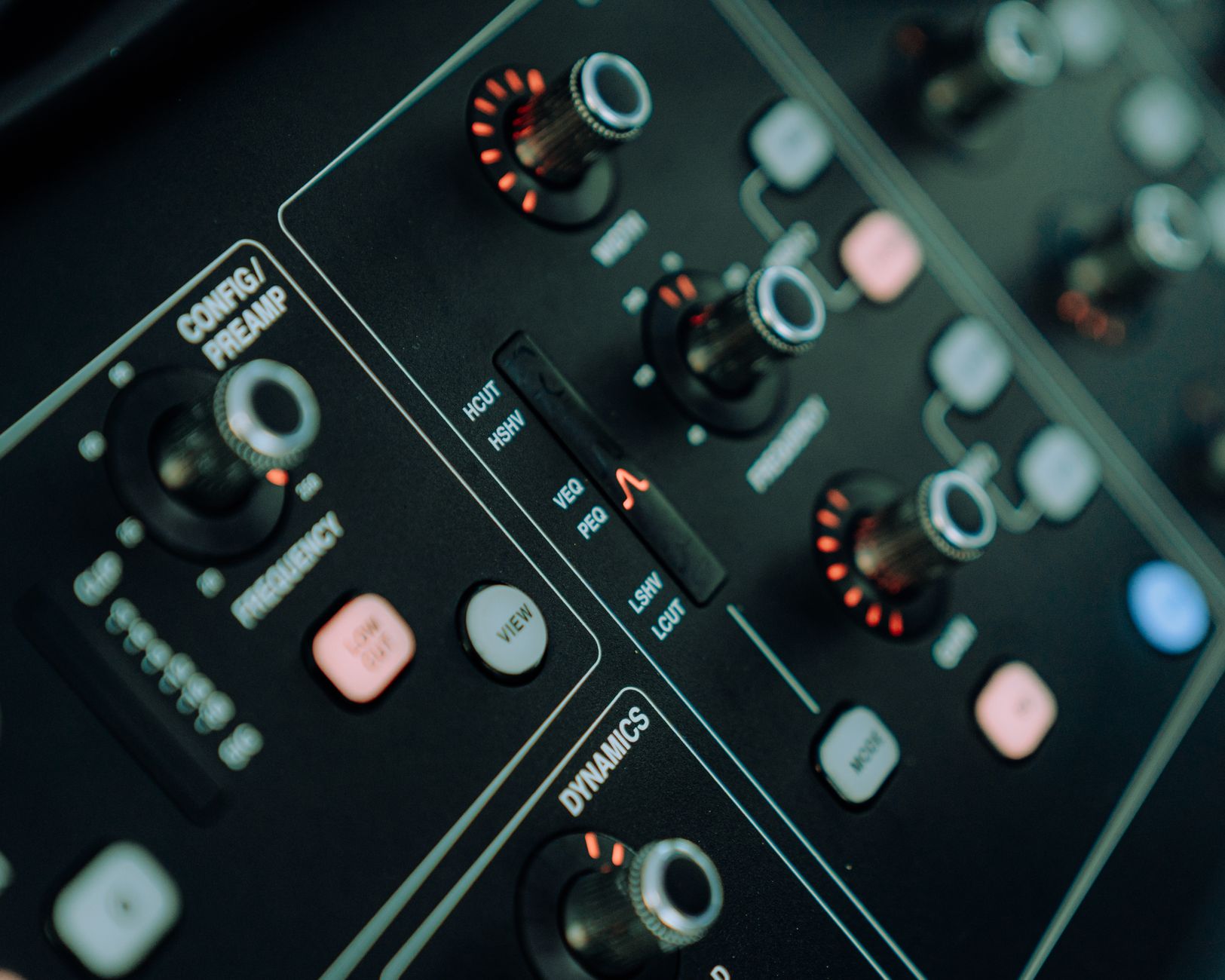
 Photo: TStudio via Pexels
Free trials and entry points
Every major paid DAW offers a way to try before committing:
- Ableton Live — 90-day free trial of the full Suite
- FL Studio — free trial (can’t reopen saved projects until purchased)
- Pro Tools — 30-day free trial; free “Artist” tier available
- Reaper — unlimited free trial (nagware screen on launch)
- Studio One — free “Prime” tier with limited plugins
- GarageBand — permanently free on Mac and iOS
If you’re genuinely starting from zero, GarageBand on Mac or the free tier of Studio One gives you a real DAW with no expiration date.
Do You Need Anything Else to Use a DAW?
The DAW itself is just software. To record audio, you also need an audio interface (converts mic/instrument signals to digital) and at least one input source — a microphone or an instrument. To produce entirely from MIDI and samples, a laptop alone is enough.
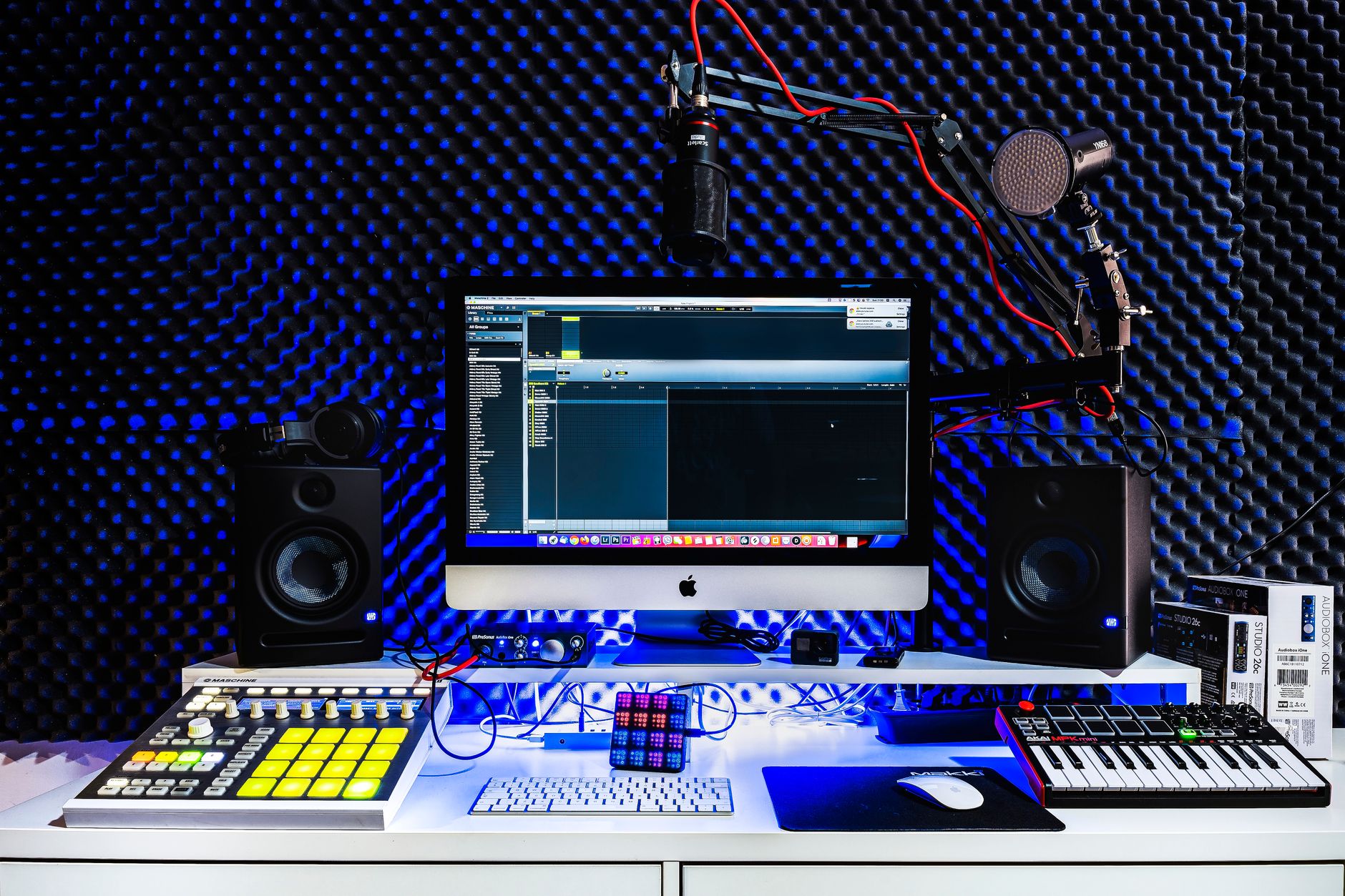
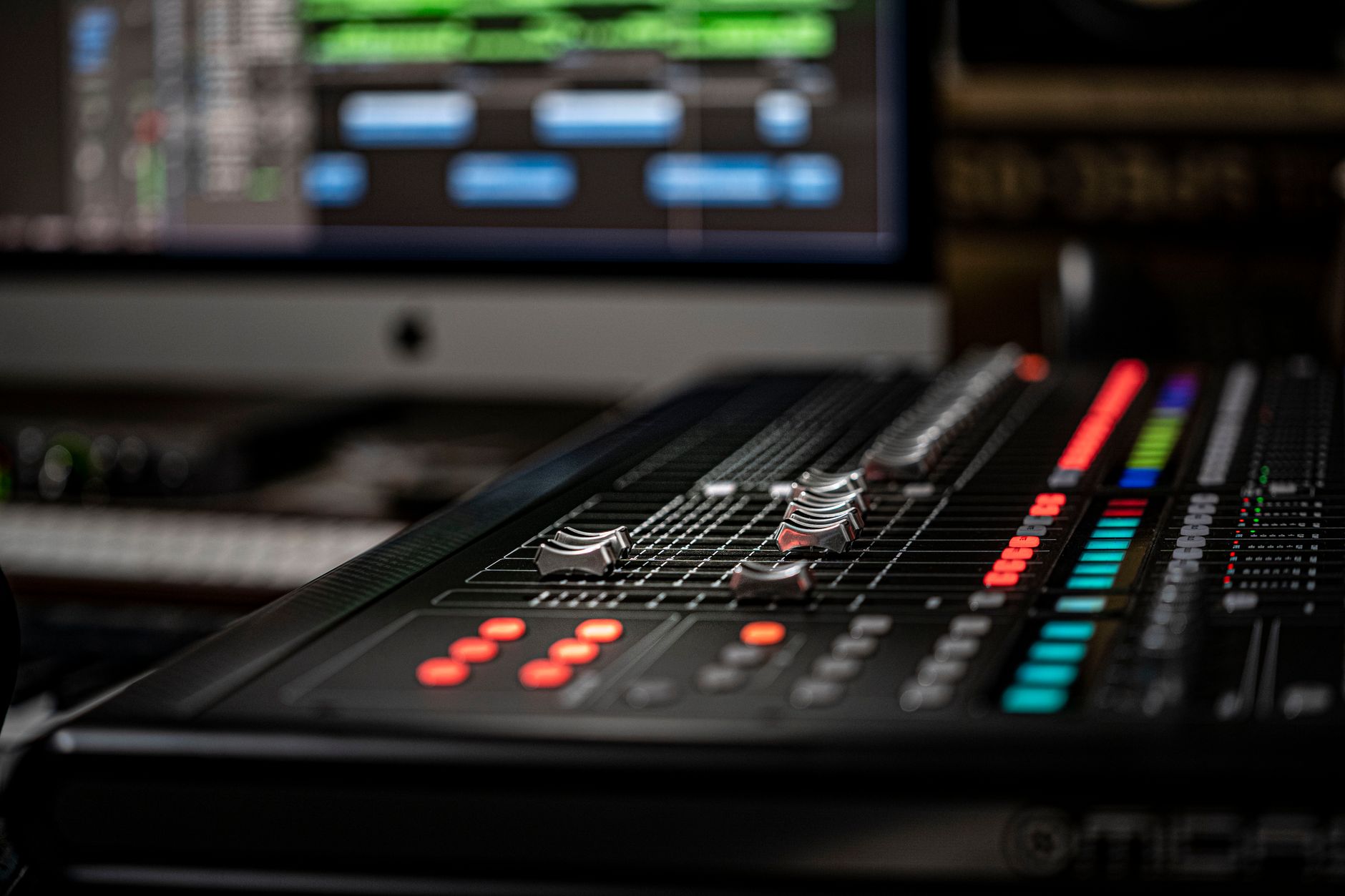 Photo: Elvis KAMBIRE via Pexels
Minimum viable home studio
| Component | What it does | Budget entry point |
|---|---|---|
| Computer | Runs the DAW | Any modern laptop made after 2018 |
| DAW | The software hub | Free (GarageBand, Reaper trial) |
| Audio interface | Mic/instrument → computer | ~$50–$100 (Focusrite Scarlett Solo) |
| Microphone | Captures sound | ~$50–$100 (dynamic or condenser) |
| Headphones | Monitoring | Any closed-back pair |
If you’re producing purely electronic music — programming beats, using virtual synths, working with sample packs — you can skip the audio interface and microphone entirely and start with just a computer and DAW.
CPU and RAM: what actually matters
DAWs are CPU-heavy when you load lots of plugins. Published minimum specs from major DAWs cluster around:
- RAM: 8 GB minimum, 16 GB comfortable for larger sessions
- Storage: SSD strongly preferred; sample libraries can run 50–500 GB
- CPU: Any quad-core from the last five years handles beginner sessions
Apple Silicon Macs (M1 and later) have become the default recommendation in professional forums because of their efficiency — large sessions run with significantly lower CPU load compared to equivalent Intel hardware, based on published benchmarks and widespread user reporting.
Which DAW Should a Beginner Choose?
Start with GarageBand if you’re on Mac — it’s free, fully capable, and your projects import directly into Logic Pro if you upgrade later. On Windows, FL Studio’s free trial or Reaper’s discounted license are the most practical starting points.
Genre matters more than most beginners realize:
- Hip-hop / trap / EDM → FL Studio or Ableton Live
- Singer-songwriter / pop / acoustic → GarageBand → Logic Pro
- Podcasting / voice → Audacity for simple work; Reaper for multi-guest sessions
- Film / TV / post-production → Pro Tools (industry standard in that world)
- Modular / experimental / Linux → Bitwig Studio
The DAW you’ll actually finish songs in is better than the one with the most features you never use. Learning curve is real — expert consensus across production forums consistently points to beginner frustration as the primary reason people quit, not hardware limitations.
→ See also:
FAQ
What does DAW stand for? DAW stands for Digital Audio Workstation. The term originally described hardware systems used in professional recording studios; today it almost exclusively refers to software like Logic Pro, Ableton Live, and FL Studio.
Can I use a DAW without an audio interface? Yes — if you’re producing music entirely with MIDI, virtual instruments, and sample packs, a built-in sound card works fine. You only need an audio interface when you want to record a microphone, guitar, or other analog source with low latency and decent quality.
Is GarageBand a real DAW? GarageBand is a fully functional DAW. It records multitrack audio, supports MIDI, includes a substantial library of virtual instruments and loops, and exports finished audio. Its limitations are in advanced mixing tools and plugin format support, not in core recording capability.
How long does it take to learn a DAW? Basic recording and playback: a few hours. Building a finished, mixed track: most beginners reach that milestone within one to three months of consistent practice. Genuine fluency — fast, intuitive workflow — typically takes a year or more, though producers with a strong musical background can compress that significantly.
Do professional studios use the same DAWs as home producers? Often yes. Pro Tools remains the standard in large commercial studios for its mature session interchange and AAX plugin ecosystem. Logic Pro and Ableton Live are common in professional music production. The gap between professional and home DAW capability has narrowed to the point where many major-label records are produced entirely in home-studio setups.
What’s the difference between a DAW and a plugin? A DAW is the host application — the software environment where you build and mix your project. A plugin is a component that runs inside the DAW: a virtual instrument (synthesizer, sampler) or an audio effect (EQ, compressor, reverb). Plugins extend what your DAW can do but can’t run independently.
Editorial methodology: Assessments are based on manufacturer specifications, published user reviews, and editorial research. Physical hands-on testing is noted explicitly where it occurred. Rankings reflect our editorial judgment and are not influenced by affiliate commission rates. Full editorial policy · Affiliate disclosure