Contents
Ableton Live vs FL Studio: Which Should You Buy?
TL;DR: For loop-based electronic music, beat-making, and live performance, FL Studio’s lifetime free updates and piano roll make it the stronger value. For live performance, session-based workflow, and Max for Live integration, Ableton Live wins. Neither is objectively better — your genre and workflow habits are the deciding factor.
Ableton Live vs FL Studio: The Core Difference
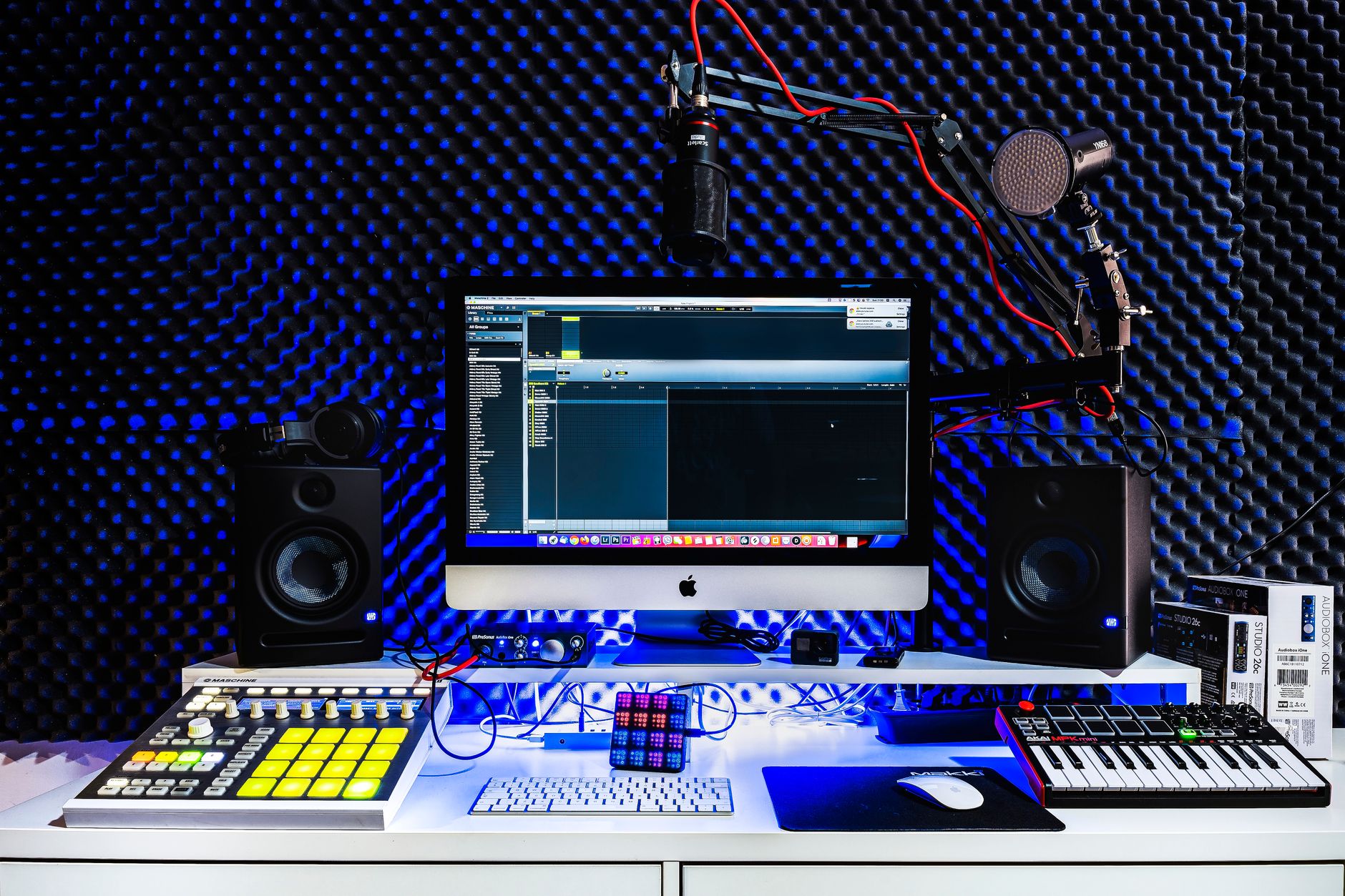
The fundamental split comes down to workflow philosophy. FL Studio is built around a pattern-based sequencer and a best-in-class piano roll — ideal for producers who build tracks from loops and beats. Ableton Live offers a dual-view layout (Session View + Arrangement View) designed for live performance and real-time improvisation, plus a modular audio routing ecosystem few DAWs match.
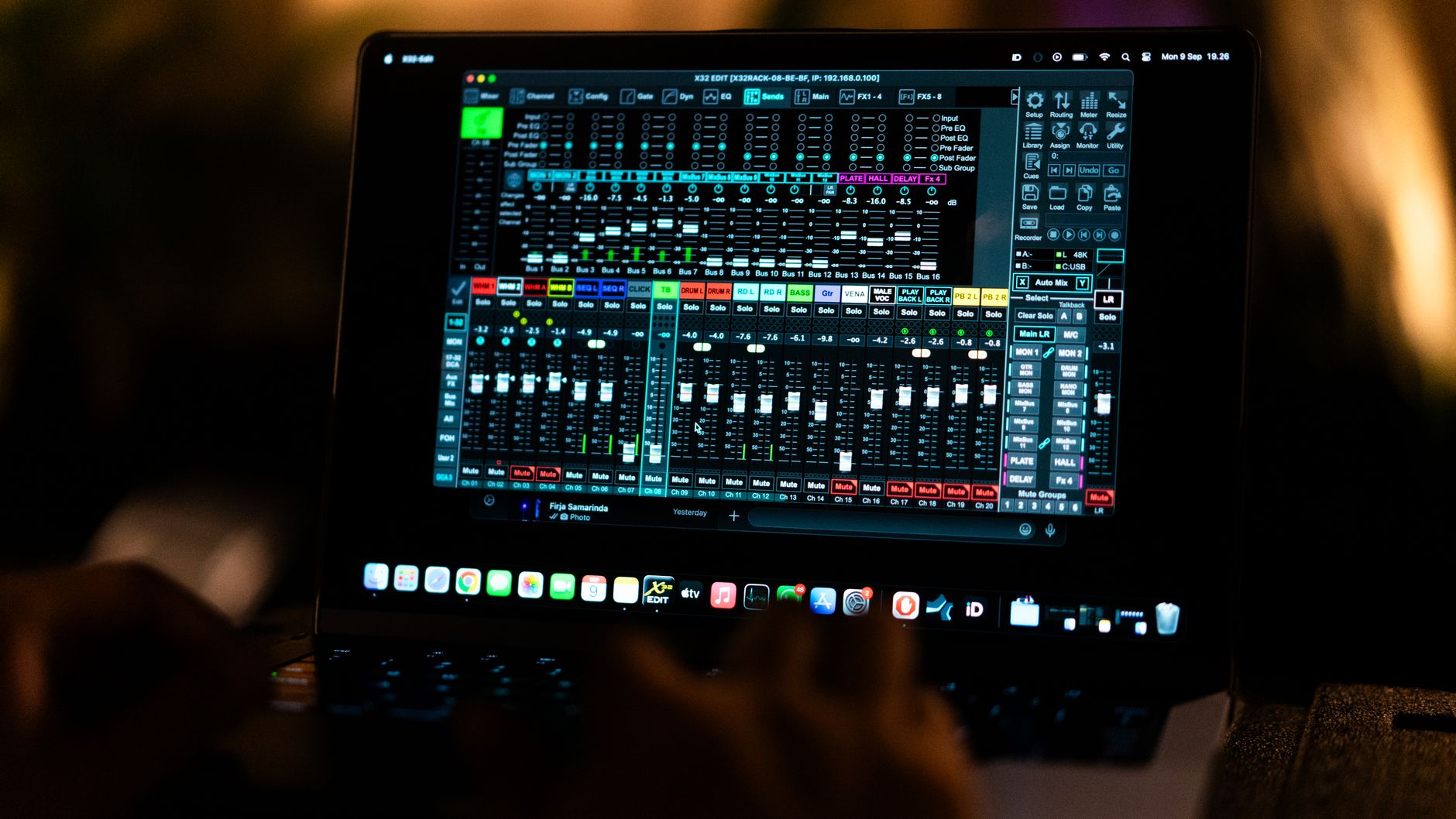 Photo: gabriel bodhi via Pexels
Both DAWs dominate modern music production, but they attract different producers. FL Studio has dominated hip-hop, trap, and EDM production since the late 1990s. Ableton Live is the go-to for live electronic acts, sound designers, and producers who want deep integration with hardware.
Understanding which fits your workflow requires looking at where each one excels — and where each one falls short.
FL Studio: Who It’s For
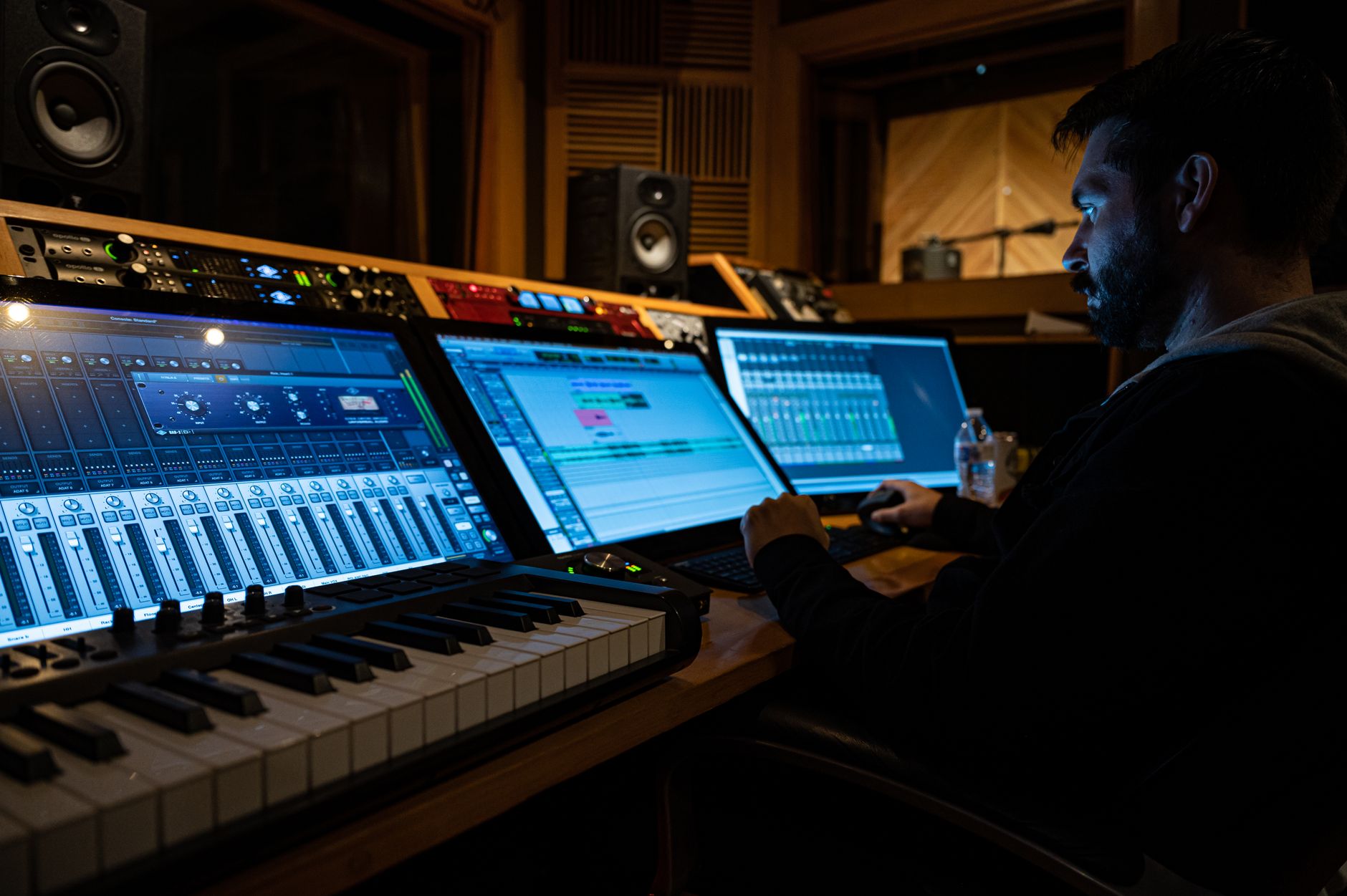
FL Studio suits beat-makers, hip-hop and trap producers, and anyone coming from a mobile or browser-based production background. Its piano roll is widely regarded as the most capable in any DAW, and its one-time purchase includes all future updates — a significant financial advantage over subscription-based rivals.
 Photo: Jonnathan Gonzalez via Pexels
The Piano Roll Advantage
FL Studio’s piano roll is the reason producers like Metro Boomin, Southside, and Madlib built careers on it. Velocity editing, chord stamps, scale highlighting, and per-note pitch automation are built in — no third-party tools required. For anyone who composes MIDI-heavy tracks, this is a meaningful workflow accelerator.
The Step Sequencer pairs with the piano roll for drum programming. Clicking in beats on a 16-step grid is faster than drawing notes in a MIDI lane for most percussive tasks, and switching between the two is frictionless.
Lifetime Free Updates
FL Studio’s pricing model is unique. Buy once, own it forever, and receive every future version at no additional cost. Producers who bought FL Studio 20 in 2018 already have FL Studio 21 for free. Based on the current pricing structure, this makes the long-term cost of ownership substantially lower than a subscription DAW.
FL Studio Editions
| Edition | Price | Key Features |
|---|---|---|
| Fruity | $99 | Step Sequencer, basic plugins |
| Producer | $199 | Full piano roll, audio recording, Edison |
| Signature | $299 | +Harmor, Sytrus, Gross Beat, ZGameEditor |
| All Plugins | $499 | Everything including Newtone, Vocodex |
For most producers, Producer Edition is the practical entry point — it includes audio recording, which Fruity Edition omits.
Where FL Studio Falls Short
Comping audio takes is less intuitive than in Pro Tools or Logic. The mixer routing, while powerful, has a steeper initial learning curve than Ableton’s. Live performance — triggering clips, managing sets on stage — is workable but not native to FL Studio’s DNA.
Ableton Live: Who It’s For
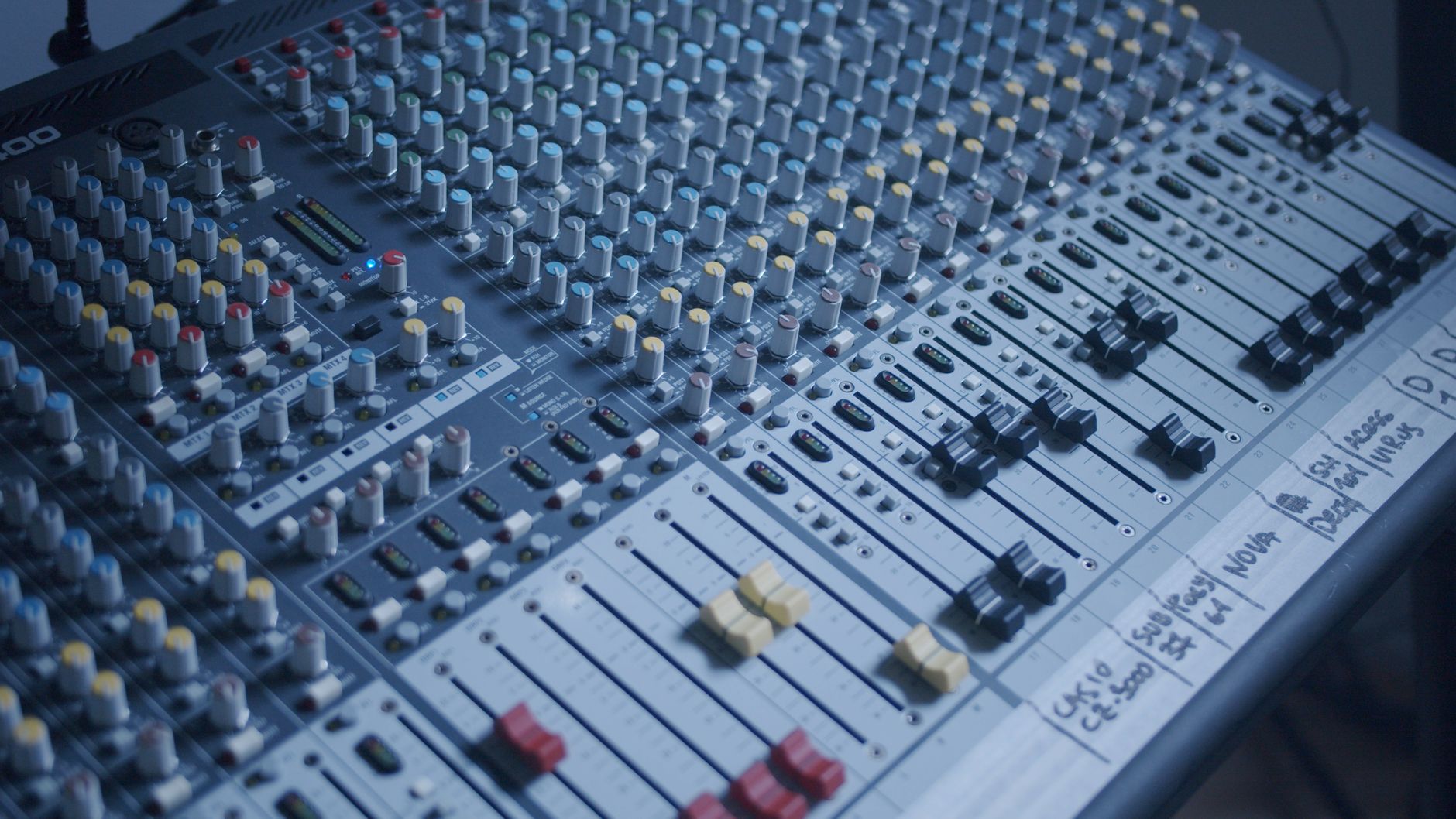
Ableton Live is built for producers who perform, improvise, or work with live instruments and hardware. Session View — a grid of launchable clips — enables non-linear arrangement and live set management that no other DAW replicates cleanly. The integration with Max for Live extends Live into a near-unlimited modular platform.
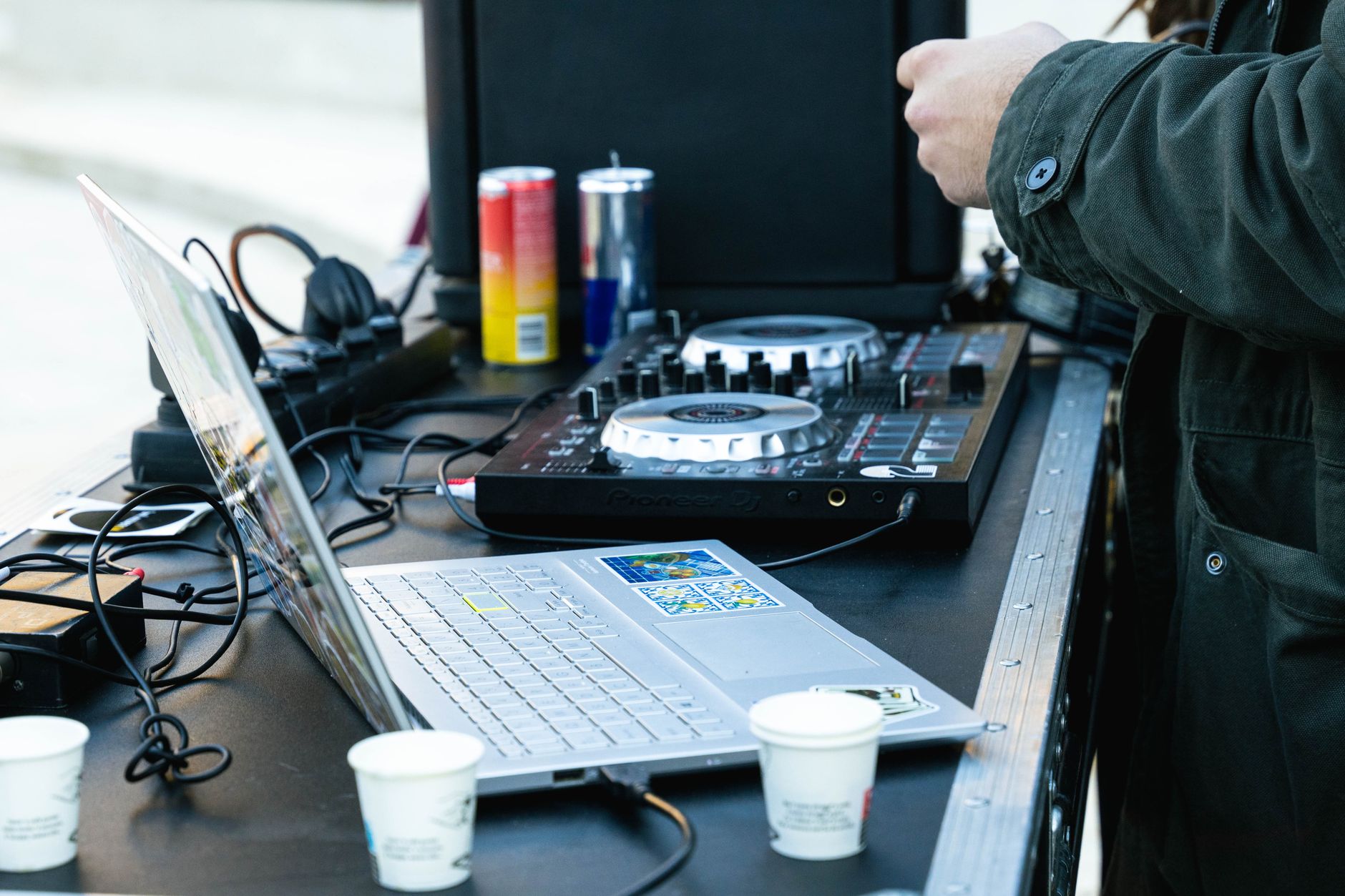 Photo: Drago Rapovac via Pexels
Session View and Live Performance
Session View is Ableton’s defining feature. Clips launch independently, scenes trigger rows simultaneously, and the whole system maps intuitively to a Push 2 or any MIDI controller. For a DJ-producer hybrid, a live electronic act, or anyone who jams ideas before arranging them, this workflow has no peer at this price point.
Arrangement View mirrors what most DAWs offer — a linear timeline for finalizing a track. The ability to move freely between the two views without stopping playback is a genuine productivity advantage.
Max for Live
Max for Live ships with Live Suite and is available as an add-on for Standard and Intro. It opens Live to custom devices, generative MIDI tools, hardware bridges, and community-built instruments that don’t exist elsewhere. The Ableton Packs library and the Max for Live community extend the DAW well beyond its factory install.
Ableton Live Editions
| Edition | Price | Key Features |
|---|---|---|
| Intro | $99 | 2 sends, 16 tracks, limited devices |
| Standard | $449 | Full tracks, warping, Arrangement + Session |
| Suite | $749 | Max for Live, full instrument library |
Live Standard is the minimum viable version for serious production work. Suite is worth the premium if you use Max for Live devices or want the included instruments (Wavetable, Meld, Drift).
Where Ableton Falls Short
No lifetime updates — major versions (Live 11 → 12) cost upgrade fees, typically $99–$199. The piano roll is functional but not best-in-class; complex MIDI editing is slower than in FL Studio. Ableton also has no built-in video editor, and the stock plugin selection leans toward electronic textures rather than mixing utility tools.
Head-to-Head Comparison
| Feature | FL Studio | Ableton Live |
|---|---|---|
| Piano Roll | Best-in-class | Functional, not exceptional |
| Live Performance | Adequate | Purpose-built (Session View) |
| Audio Warping | Basic | Industry-leading |
| Max for Live / Modular | Not applicable | Suite only |
| Plugin Format | VST2/VST3/AU (Mac) | VST2/VST3/AU/AAX |
| Native Instruments | Strong (Harmor, Sytrus) | Strong (Wavetable, Drift) |
| Price Model | One-time + free updates | One-time + paid major upgrades |
| Long-term Cost | Low | Moderate–high |
| Learning Curve | Moderate | Moderate |
| Best Genre Fit | Hip-hop, EDM, trap | Electronic, house, techno, experimental |
Software Module
Feature Breakdown
| FL Studio Producer | Ableton Live Standard | |
|---|---|---|
| Platform | Mac / Win | Mac / Win |
| Format | VST2, VST3, AU (Mac) | VST2, VST3, AU, AAX |
| Price Model | One-time, free updates | One-time, paid major upgrades |
| System Requirements | 4GB RAM min, 8GB rec | 8GB RAM min, 16GB rec |
| Best For | Beat-making, MIDI composition | Live performance, sound design |
Comparison Summary
| Software | Price (Entry) | Standout Feature | Learning Curve | Verdict |
|---|---|---|---|---|
| FL Studio Producer | $199 | Piano roll + lifetime updates | Moderate | Best value for beat producers |
| Ableton Live Standard | $449 | Session View + audio warping | Moderate | Best for live performance |
| Ableton Live Suite | $749 | Max for Live | Moderate–steep | Best for sound designers |
| FL Studio Signature | $299 | Adds Harmor, Gross Beat | Moderate | Worth it for sound design |
Workflow Notes
FL Studio: Download and install from Image-Line’s website. No iLok required — license tied to your Image-Line account. CPU load is generally light on modern hardware; the Step Sequencer and mixer handle large sessions well. A free trial with full functionality is available (exported audio includes a watermark until purchased).
Ableton Live: Download from Ableton’s website. Trial version offers 90 days of full functionality. Authorization via Ableton’s license manager — no iLok. Max for Live devices can add CPU overhead on complex patches; 16GB RAM is the practical floor for Suite-level production.
→ See also:
FAQ
Is FL Studio better than Ableton for beginners? FL Studio’s interface has a steeper visual learning curve initially, but its piano roll and pattern-based workflow become intuitive quickly. Ableton’s Session View concept is unfamiliar to most new producers but pays off for anyone interested in live performance. Both have substantial free learning resources — the better choice depends on your genre, not your experience level.
Does FL Studio work on Mac? Yes. FL Studio has supported macOS natively since version 20.6 (2020). VST3 and AU plugin formats are supported. Based on user reports and forum consensus, performance on Apple Silicon (M1/M2/M3) is solid with the latest builds.
Can you use Ableton Live for hip-hop production? Ableton Live works for hip-hop — producers like Flying Lotus and Burial use it extensively. That said, FL Studio’s piano roll and step sequencer remain the genre standard, and most sample-flipping and 808-heavy workflows feel faster in FL Studio. Ableton is the stronger choice if you layer hip-hop production with live elements or modular synthesis.
Is the Ableton Live vs FL Studio debate settled for electronic music? Not definitively. Ableton Live dominates live electronic performance contexts, and expert consensus from electronic music educators consistently places it ahead for stage use. FL Studio is the dominant DAW in streaming-era trap and hip-hop production, and its presence in EDM remains strong. Genre and workflow matter more than any abstract quality ranking.
Do professional producers use FL Studio or Ableton? Both DAWs have produced commercially successful records at the highest level. Metro Boomin, Southside, and Lex Luger are among the most cited FL Studio users; Four Tet, Bonobo, and Flume have documented Ableton Live use. Published producer interviews and credited project files confirm professional adoption of both platforms — the “FL Studio isn’t pro” perception is outdated by at least a decade.
Can you switch from FL Studio to Ableton later? Yes, and many producers use both — FL Studio for MIDI composition and beat-making, Ableton for arrangement and live sets. Project files don’t transfer natively, but stems and audio exports move freely between DAWs. If you’re unsure, trial both before committing: FL Studio’s trial watermarks audio exports, while Ableton’s 90-day trial is fully functional.
Editorial methodology: Assessments are based on manufacturer specifications, published user reviews, and editorial research. Physical hands-on testing is noted explicitly where it occurred. Rankings reflect our editorial judgment and are not influenced by affiliate commission rates. Full editorial policy · Affiliate disclosure