Contents
Logic Pro vs Ableton Live: Which Should You Buy?
TL;DR: Logic Pro wins for songwriters and producers on Mac who want an all-in-one studio at a one-time price. Ableton Live is the better pick for electronic music, live performance, and producers who work on both platforms. The right answer depends on your workflow, not the software’s prestige.
Logic Pro vs Ableton Live: The Core Difference
Logic Pro is a traditional linear DAW with a massive built-in plugin library, sold for a one-time $199.99 fee (Mac only). Ableton Live is a hybrid linear/session-view DAW built for loop-based composition and live performance, available on Mac and Windows, starting at $99 for Intro up to $749 for Suite. Neither is objectively better — they solve different problems.
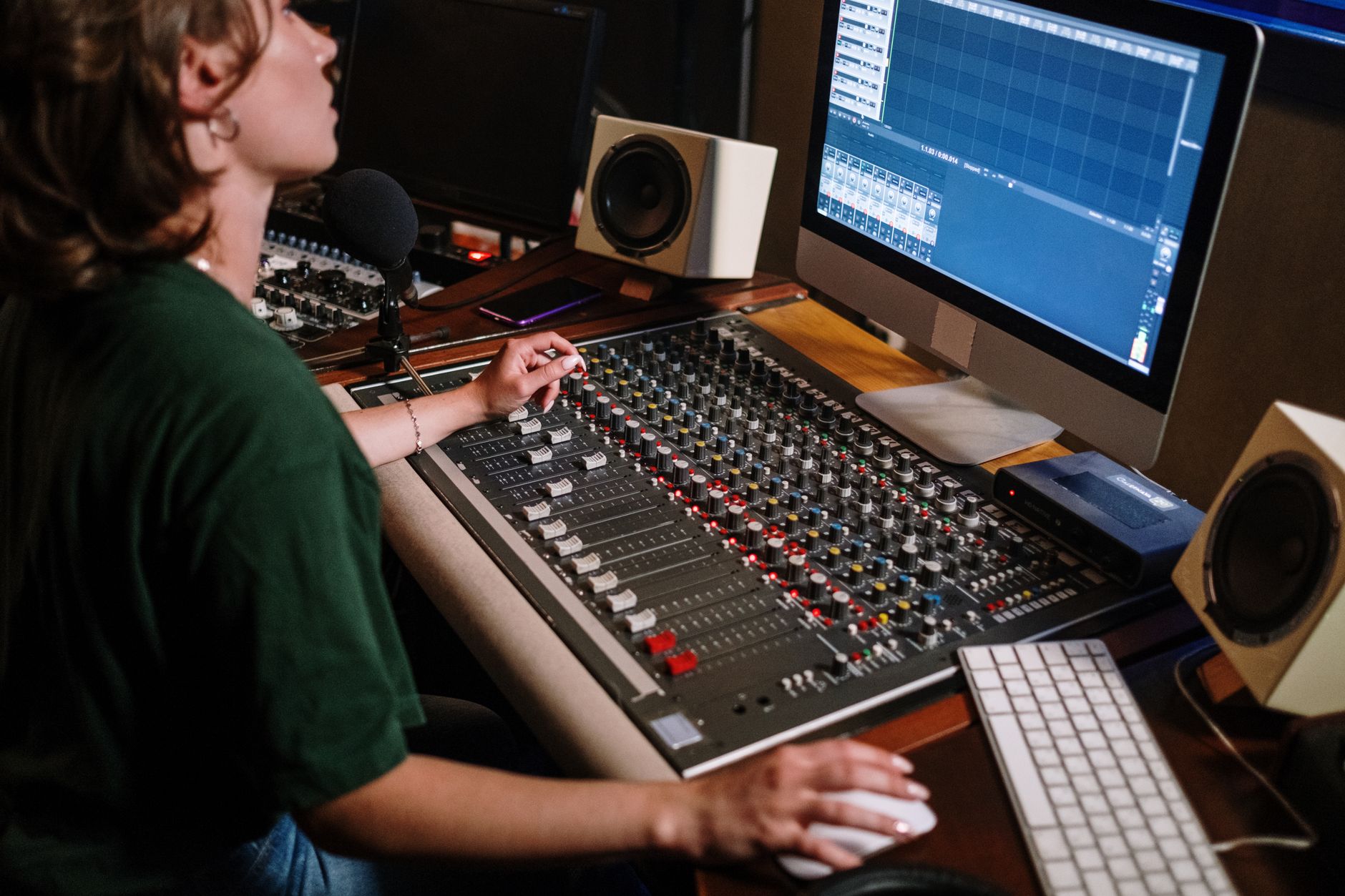 Photo: cottonbro studio via Pexels
The logic pro vs ableton live debate has been running since Ableton introduced its Session View in 2001. Producers who came up through hip-hop and pop tend to land on Logic; electronic and live-performance artists gravitate toward Ableton. But workflow fit matters more than genre.
Interface and Workflow
Logic Pro uses a single-window arrangement editor that most recording engineers find immediately intuitive. Ableton Live has two views: the Arrangement (horizontal, like Logic) and the Session View (a vertical grid of clip slots). The Session View is Ableton’s defining differentiator — and either the feature that wins you over or the one you ignore forever.
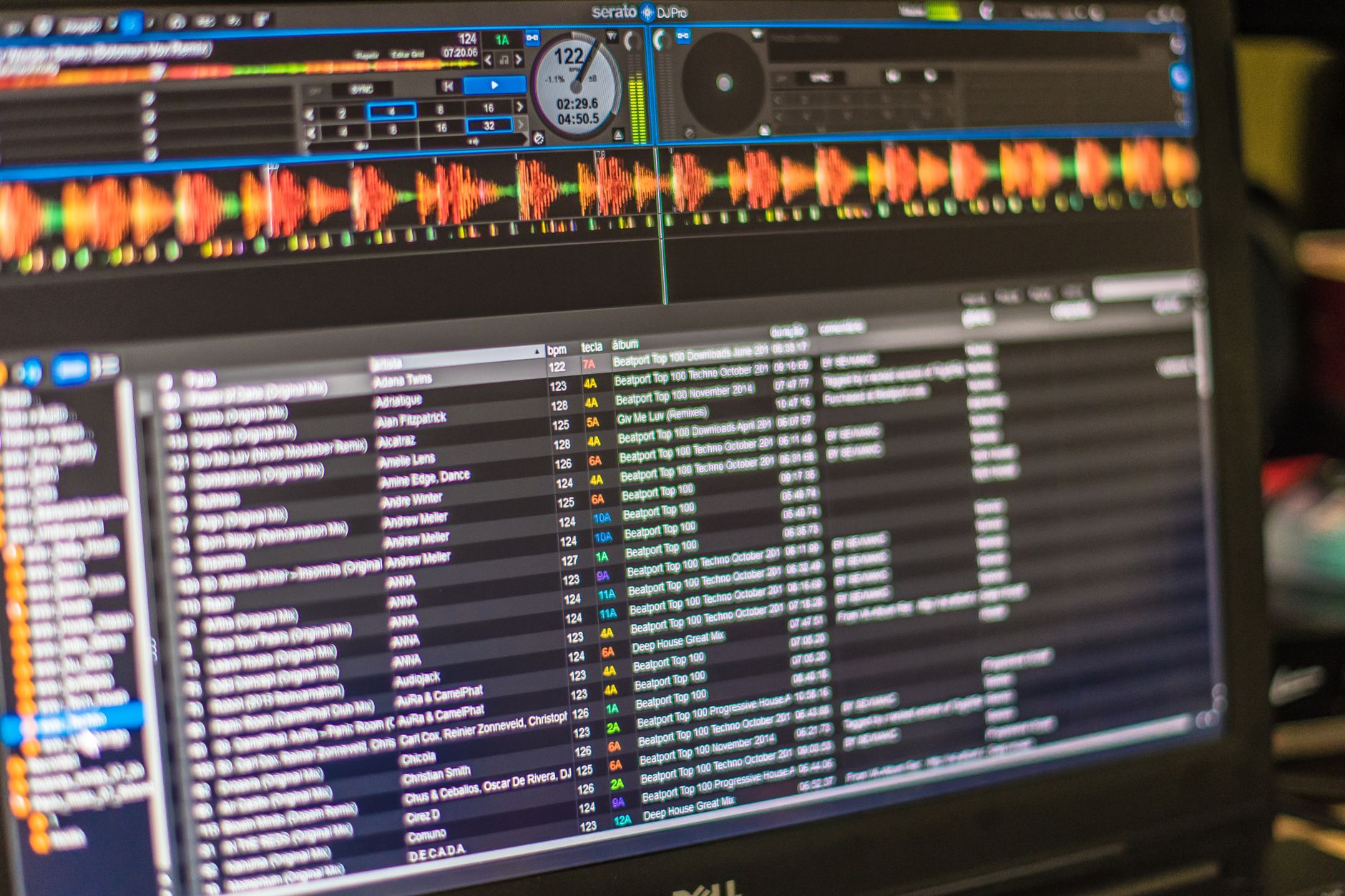 Photo: Everson Mayer via Pexels
Logic’s Tracks area behaves like a professional recording console. Regions sit on a timeline, automation lanes run underneath, and the Smart Tempo feature handles tempo detection without manual mapping. For anyone coming from Pro Tools or GarageBand (which Logic directly extends), the learning curve is shallow.
Ableton’s Session View lets you trigger loops and clips independently of a timeline — you can jam, improvise, and assemble ideas before committing them to an arrangement. This is transformative for electronic producers and DJs but adds complexity for engineers tracking live bands.
Sound Libraries and Built-In Plugins
Logic Pro ships with over 100 plug-ins and roughly 80 GB of royalty-free loops and samples. Ableton Live Suite bundles Max for Live and a competitive instrument/effect set, but the standard Intro and Standard tiers are significantly more limited. For sheer out-of-the-box value, Logic’s library is unmatched at its price point.
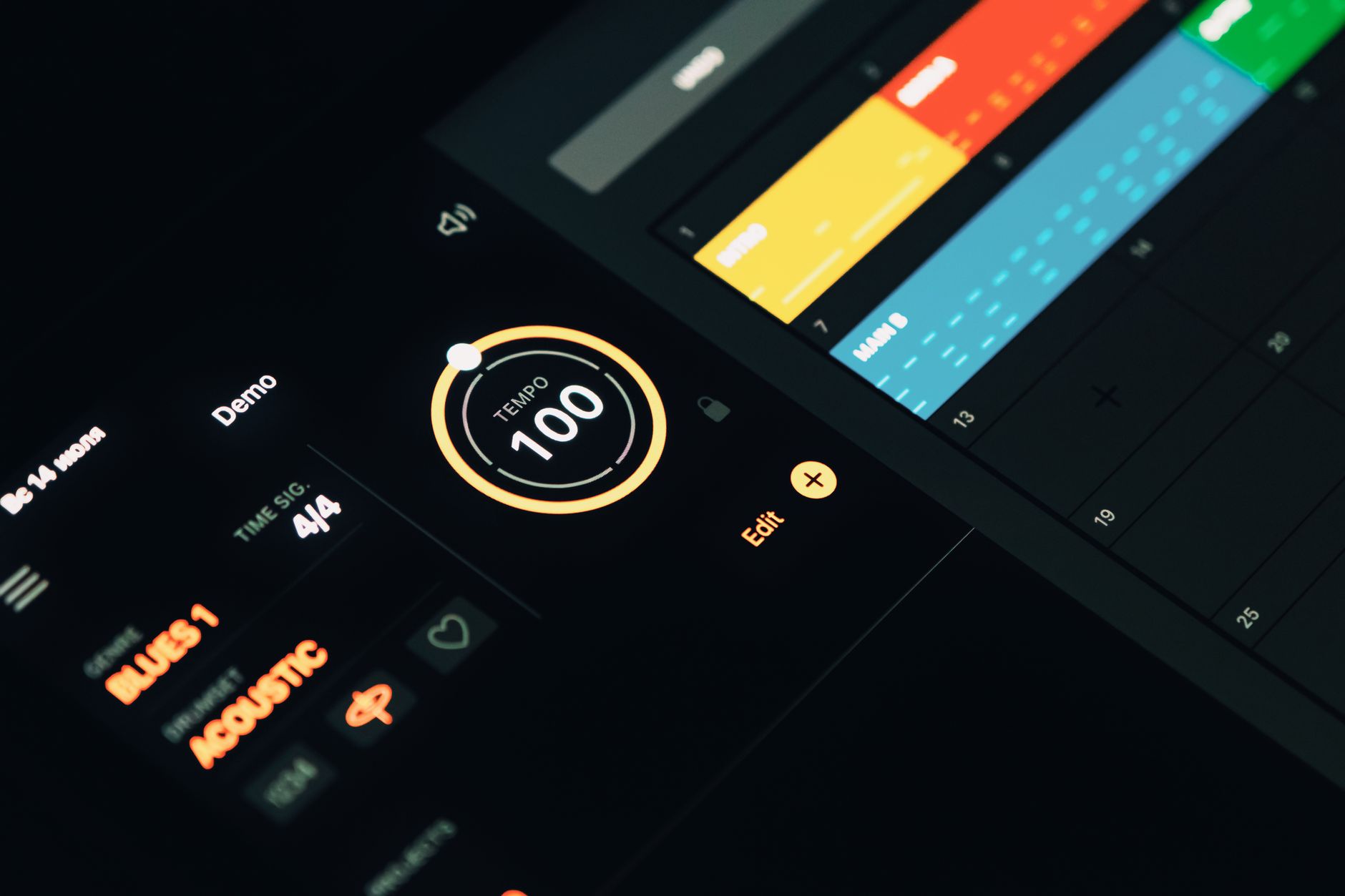 Photo: Egor Komarov via Pexels
Logic’s included instruments deserve specific mention:
| Instrument | Type | Standout Feature |
|---|---|---|
| Alchemy | Sample-synthesis hybrid | 3,000+ presets, morph-pad performance |
| Retro Synth | Analog/wavetable | Four synth engine types in one |
| Drum Machine Designer | Sample-based kit builder | Per-pad pitch and envelope |
| Vintage Keys/EPs | Electric piano emulations | Specific model accuracy |
| Space Designer | Convolution reverb | Built-in IR library |
| Scripter | MIDI scripting | Custom MIDI processing |
Ableton Live Suite counters with:
| Instrument | Type | Standout Feature |
|---|---|---|
| Wavetable | Wavetable synthesis | Visual modulation routing |
| Drift | Analog-modeled synth | Straightforward subtractive architecture |
| Meld | Hybrid wavetable/FM | Cross-synthesis between two oscillator engines |
| Max for Live | Modular environment | Unlimited custom device building |
| Simpler/Sampler | Sample playback | Deep per-note modulation |
Max for Live (Suite-exclusive) is Ableton’s trump card — it turns the DAW into a modular environment where you can build custom instruments, effects, and MIDI processors. Nothing in Logic matches that flexibility.
Pricing and Platform
Logic Pro is $199.99 one-time, Mac-only. Ableton Live comes in three tiers across Mac and Windows: Intro ($99), Standard ($449), and Suite ($749), all sold as perpetual licenses with paid upgrades between major versions. For Mac users, Logic’s value is straightforward; Windows users have no choice.
| Logic Pro | Live Intro | Live Standard | Live Suite | |
|---|---|---|---|---|
| Price | $199.99 (one-time) | $99 | $449 | $749 |
| Platform | Mac only | Mac/Win | Mac/Win | Mac/Win |
| Upgrade cost | Free updates | Paid major upgrades | Paid major upgrades | Paid major upgrades |
| Max tracks | Unlimited | 16 audio / 16 MIDI | Unlimited | Unlimited |
| Max For Live | No | No | No | Yes |
| Built-in instruments | 100+ | 4 | 4 | 15+ |
| Sample library | ~80 GB | ~1.5 GB | ~10 GB | ~70 GB |
Logic’s free update model is a genuine advantage. Logic 10.7 (which introduced a Chromagram, updated Alchemy, and refined MIDI scripting) cost existing users nothing. Ableton charges for major version upgrades — moving from Live 11 to Live 12 required a paid license upgrade, with discount pricing for existing users.
Live Performance and MIDI
Ableton Live is purpose-built for live performance. Its Session View, MIDI mapping system, and tight Push hardware integration have made it the industry standard for touring electronic artists. Logic’s Live Loops (introduced in Logic 10.5) is a credible response, but it still trails Ableton in live-rig depth.
 Photo: Caleb Oquendo via Pexels
Ableton’s advantages for live use:
- Session View clips can be launched via MIDI controller, keyboard, or Ableton Push without stopping playback
- Follow Actions automate clip transitions — fade, jump, reverse — without manual triggering
- MIDI mapping is one-click: press Cmd+M, touch a control, touch a parameter
- Ableton Push integration is seamless — it’s designed as a physical extension of the software
Logic Pro’s Live Loops grid works similarly on paper, but MIDI controller mapping is less immediate, and there’s no Logic-branded performance hardware with the same depth as Push.
For studio recording and MIDI production, the gap closes significantly. Logic’s MIDI Transform tools, Step Sequencer, and Scripter plugin cover complex MIDI manipulation tasks. Ableton’s Arrangement View handles linear recording identically to Logic for most use cases.
Software Feature Comparison
| Feature | Logic Pro | Ableton Live (Standard) | Ableton Live (Suite) |
|---|---|---|---|
| Platform | Mac | Mac/Win | Mac/Win |
| Format | AU, AAX (via wrapper) | VST3/AU/AAX | VST3/AU/AAX |
| Price model | One-time $199.99 | One-time $449 | One-time $749 |
| Free trial | 90-day trial | 90-day trial | 90-day trial |
| System req. | macOS 13.6+, Apple Silicon or Intel | macOS 11+, Win 10 | macOS 11+, Win 10 |
| Best for | Mac producers, songwriters, film scoring | Cross-platform, electronic, live | Electronic, Max for Live, live performance |
Both offer 90-day free trials — use them. The workflow difference between Session View and a linear DAW is felt in the first 20 minutes of use, not read about.
Workflow notes:
- Logic Pro installs from the Mac App Store; AU plug-ins load without additional authorization in most cases
- Ableton uses a challenge-response or Pace-based authorization; Max for Live devices install independently through the browser
- CPU load: Logic handles high track counts efficiently on Apple Silicon; Ableton 12 added significant ARM optimization but Logic still edges it on M-series Macs for large sessions
- Both support third-party VST3/AU (Ableton also supports AAX via wrapper); Logic does not support VST natively — AU or the built-in plug-ins only
Who Should Buy Each
Logic Pro: Mac users who record real instruments, produce pop/hip-hop/film, want a one-time price, and prefer a traditional arrangement workflow.
Ableton Live: Anyone on Windows, electronic and techno producers, live performers, artists who want Session View’s improvisational workflow, or anyone serious about Max for Live.
Neither: If you’re just starting out and unsure, both have 90-day trials. GarageBand (free, Mac) and Ableton’s free trial overlap enough to tell you which environment clicks before you spend a dollar.
→ See also:
FAQ
Is Logic Pro better than Ableton Live? Neither is universally better — they’re built for different workflows. Logic Pro is stronger for traditional recording, songwriting, and Mac-centric production. Ableton Live leads for electronic music, live performance, and cross-platform use. Published producer surveys consistently show both in the top two DAWs by active usage.
Can you use Ableton Live on Windows? Yes. Ableton Live runs on both macOS 11+ and Windows 10/11. Logic Pro is Mac-only — there is no Windows version and Apple has not indicated plans to change that.
What is the main difference between Logic Pro and Ableton Live? The primary structural difference is Ableton’s Session View — a clip-launching grid that exists outside a linear timeline. Logic is a linear DAW exclusively (Logic’s Live Loops is a partial equivalent but less developed). This single difference drives most of the workflow divergence between the two.
Is Logic Pro good for electronic music? Yes — Logic Pro includes Alchemy, Retro Synth, and a deep sample library capable of producing professional electronic music. That said, Ableton Live’s Session View, Follow Actions, and Max for Live give electronic producers workflow tools Logic doesn’t match, which is why Ableton dominates in that community.
Does Ableton Live have a free version? Ableton does not have a permanently free version, but it offers a 90-day free trial of Live Suite. There is also Ableton Live Lite, which is frequently bundled with audio interfaces and MIDI controllers — it is limited to 8 tracks and a small instrument set but functional for learning the software.
Which DAW do most professional producers use? Based on published industry surveys and credited productions, Pro Tools dominates professional recording studios, while Logic Pro and Ableton Live split the home studio and independent producer market. Logic Pro appears most frequently in pop and hip-hop credits; Ableton dominates in electronic, techno, and live-performance contexts. Ableton Push and Logic’s tight ecosystem integration each lock producers into their respective platforms over time.
Editorial methodology: Assessments are based on manufacturer specifications, published user reviews, and editorial research. Physical hands-on testing is noted explicitly where it occurred. Rankings reflect our editorial judgment and are not influenced by affiliate commission rates. Full editorial policy · Affiliate disclosure